Every birthday, the same question comes up: how do you say something meaningful without it disappearing into a group chat by lunchtime? A text gets buried. A paper card is lovely but holds no photos or music. A video takes hours to edit. Somewhere in the middle sits the birthday website, a format a lot of people have heard of but are not quite sure how to picture.
This post explains what a birthday website is, how it compares with the other options, who it suits, and where it falls short. If you already know you want one, skip ahead to how to make a birthday website.
A simple definition
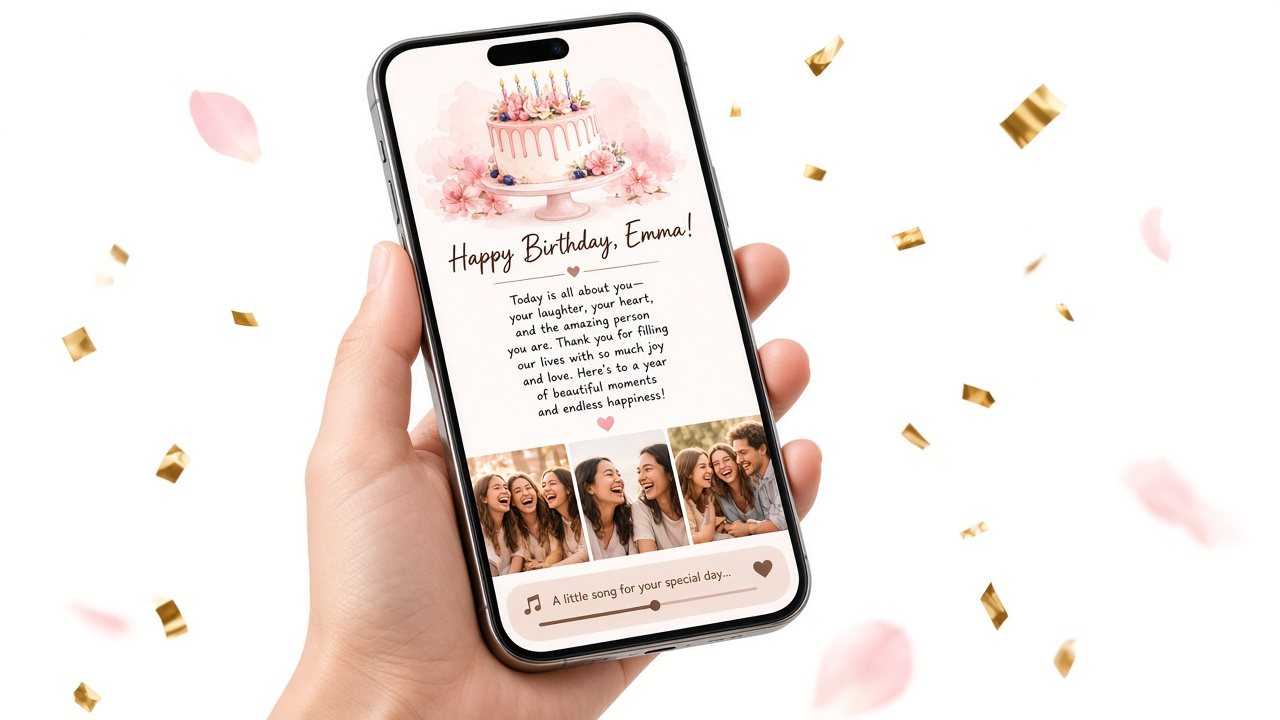
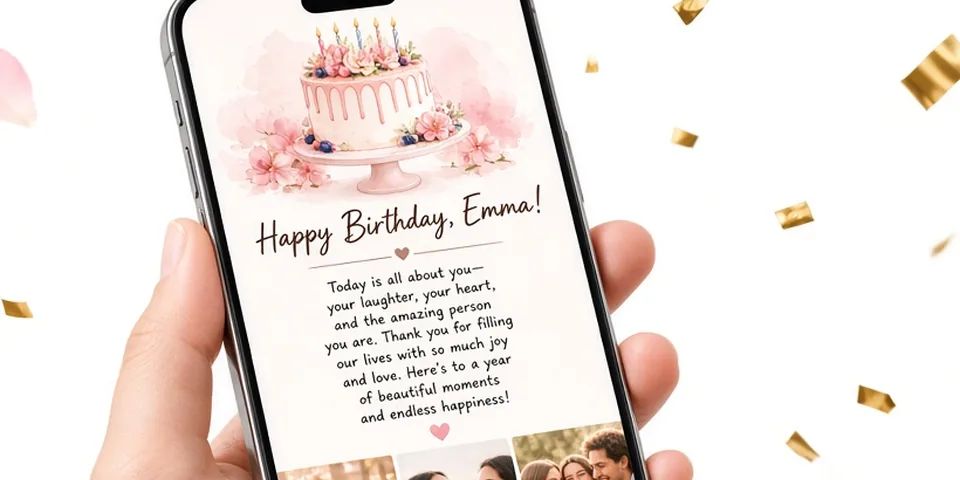
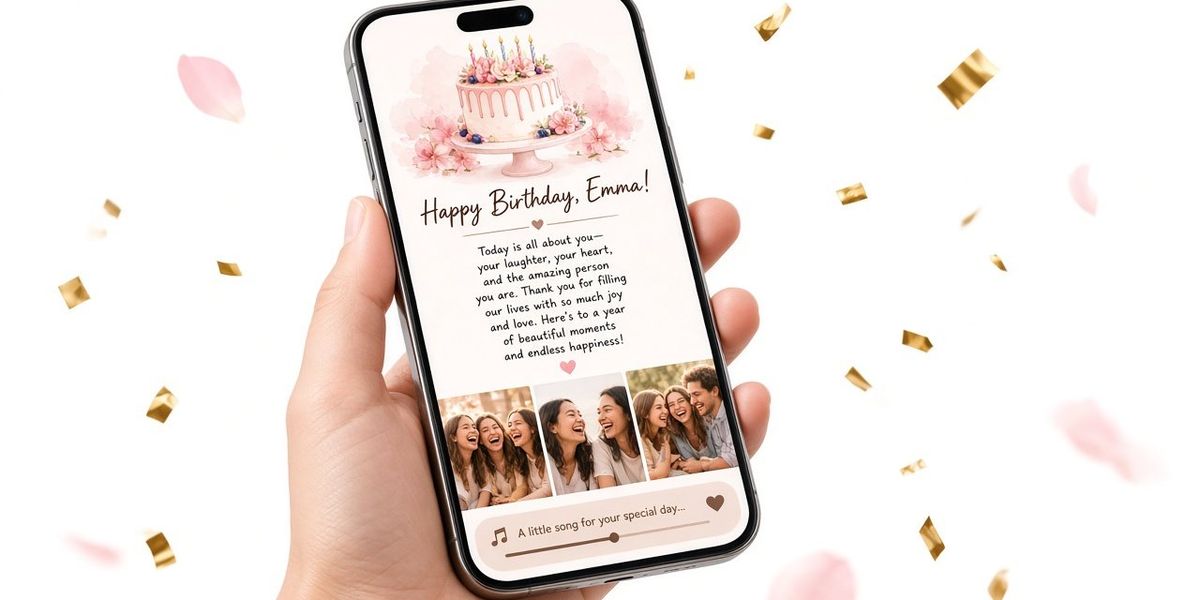
A birthday website is a small, private web page made for one person on their birthday. Instead of a site with menus and pages, think of a single scrolling screen that unfolds like opening a card:
- Their name on a cover
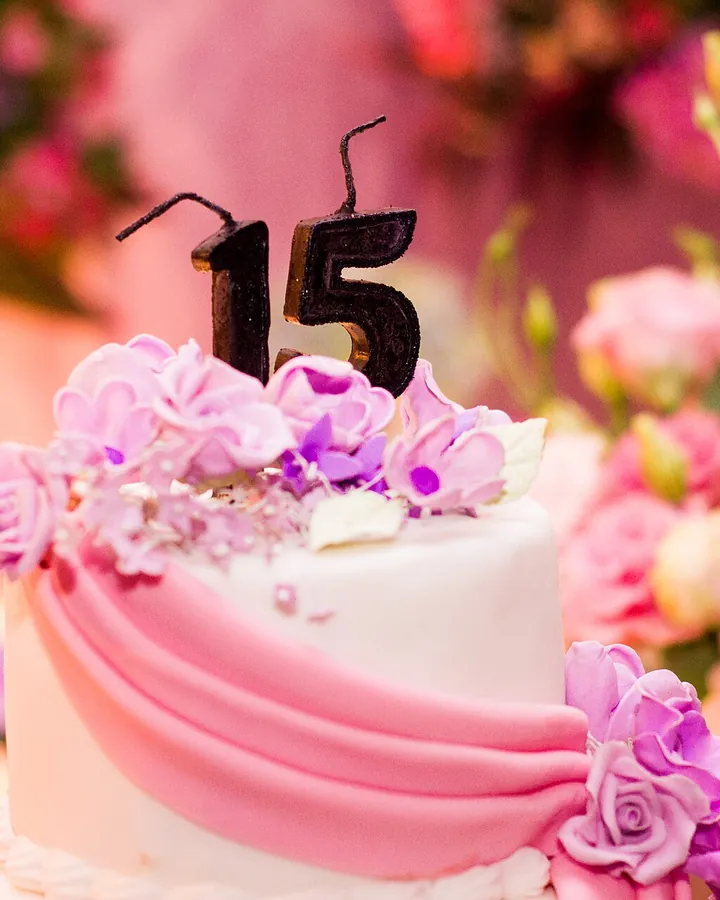
- Often a small opening moment, such as a birthday cake
- A letter from you
- A few photos of moments you shared
- A song that means something to both of you
You send it as a link or a QR code. They tap or scan, and it opens in their browser. No app, no account.
The word "website" can make it sound technical, but there is no building involved. With a birthday website maker you fill in a name, a letter, photos and a song link, watch a phone preview update, and save. The result is closer to a digital letter with a scrapbook attached than to a website in the usual sense.
What a birthday website looks like from their side
Picture the recipient's experience, because that is what matters.
- They get a message from you: "Open this when you have five quiet minutes."
- They tap the link. Their name appears.
- A cake opening plays, if you left it on.
- An envelope opens into your letter.
- They scroll through the photos you picked.
- They press play on the song.
The whole experience takes a few minutes, but because every piece was chosen for them, it tends to feel bigger than its size. You can see a sample in the demo.
Birthday website vs e-card vs video vs party page
Here is how the common digital options compare. These are general patterns rather than claims about any specific brand, because features vary widely.
| Birthday website | Typical e-card | Video montage | Party invite page | |
|---|---|---|---|---|
| Made for | The birthday person | The birthday person | The birthday person | The guests |
| Your own long letter | Yes, the centerpiece | Usually a short message | Spoken or as captions | Event details |
| Your photos | A handful | Sometimes one, often none | Many | Sometimes a cover image |
| Music | One song you choose | Often a built-in tune | Yes | Rarely |
| Effort | One evening | Minutes | Several hours | Minutes |
| RSVPs and guest list | No | No | No | Yes |
Compared with an e-card
E-cards are fast and many are beautifully animated. The trade-off is that the design does most of the talking, and your part is often a few lines at the bottom. A birthday website flips that: the design stays out of the way and your words and photos take center stage. If you mainly want a pretty design to share or print, a design tool may suit you better. Our Canva birthday card alternative comparison goes into that choice.
Compared with a video montage
Videos are powerful, but making a good one takes real time: choosing clips, timing them to music, exporting, and figuring out how to send a large file. A birthday website gives you some of the same emotional mix (photos plus music plus words) in a fraction of the time, and the letter stays readable instead of flashing past in captions.
Compared with a party invitation page
This is the most common mix-up. Party invite pages and apps exist to get people to the same place at the same time: date, address, who is coming. A birthday website is a gift for one person. It does not collect RSVPs, track guests or send reminders. If you are organizing a party, you want an invitation tool. If you want to tell someone what they mean to you, you want a birthday page. We wrote a full breakdown in birthday website vs party invitation site.
Who a birthday website suits best
A birthday website is a good fit when:
- You are far apart. It arrives instantly and opens anywhere, which is why it is a staple of long-distance birthdays.
- You have more to say than fits in a card. A letter of several paragraphs reads naturally on a phone.
- You have photos that tell your story. Six pictures can cover years of a friendship or relationship.
- You want something that lasts longer than a text. They can come back to the link and reread it.
- You are short on time but still want it to feel personal. One evening is enough.
Common recipients include partners, spouses, best friends and parents. For parents and grandparents, think about how comfortable they are opening links. A QR code inside a paper card can be easier than a text message for some people.
Real examples of what people put on one
To make this concrete, here are three sketches of birthday pages. These are illustrations we wrote, not customer stories.
For a partner. Name: "Sam." Cake opening on. Letter opens with "Happy birthday to the person who still saves me the last dumpling." Six photos from the year in order, ending with a blurry selfie from a concert. Song: the one from their first dance at a friend's wedding, labeled "Our song."
For a best friend. Name: "Jules." Cake opening on. Letter mixes jokes and sincerity: "Twelve years ago you lent me a pencil and never got it back. You got a best friend instead, which I think is a fair trade." Photos: one from school, one ridiculous costume party, one from their graduation. Song: the one you both screamed in the car on the way to the beach.
For a mom. Name: "Mom." Cake opening off, so the letter appears first. Letter thanks her for three specific things. Photos: a scanned print from the 1990s, a recent family dinner, her garden. Song: the record she always played on Sunday mornings.
Notice that none of these depend on fancy design. They work because of the specifics.
Honest limitations
No gift format is perfect. A birthday website has a few clear limits:
- It needs an internet connection. If they are somewhere without signal, it will wait.
- It is not physical. You cannot put it on a shelf. Pair it with a card, flowers, or a small gift if touch matters to them.
- It is only as personal as what you write. The page frames your words; it does not write them for you.
- Links can be forwarded. Anyone with the link can open the page, so leave out anything you would not want seen if it got shared.
- There is no scheduled delivery. You send the link yourself at the moment you choose.
For most people these are small trade-offs, but it is better to know them going in.
How a birthday website fits with other gifts
A birthday website does not have to be the whole gift. Some combinations that work well:
- A paper card with the QR code written inside: "Scan me."
- A small present with a note tied on: "Open the link before you open this."
- Dinner reservations, with the page sent the moment you sit down.
- A video call where you open it together.
Is a birthday website private?
It is private in the sense that it is not a public profile or a social post. It lives at its own link, and people only find it if you share that link or the QR code. It is not private in the sense of being locked behind a password: anyone who has the link can open it. That is worth keeping in mind when you choose photos and write the letter.
A simple rule of thumb: write and choose as if the recipient might proudly show it to a sibling or a close friend, because many people do. Keep the deeply private things for a conversation, and keep photos of other people to ones those people would be comfortable with.
A quick planning checklist
If you are leaning toward making one, here is everything you need before you open the editor:
- The name you will put on the cover, nickname or full name
- Five or six specific memories written down in a notes app
- Up to 10 photos in one folder, vertical ones if you have them
- One song link, ideally a song with a story behind it
- A decision on the opening: playful cake first, or straight to the letter
- A delivery plan: text, chat app, email, or a QR code in a paper card
With those ready, assembling the page takes a few minutes. The writing is the part worth slowing down for.
The bottom line
A birthday website is a private page with their name, your letter, a few photos and a song, sent as one link or QR code. It sits between a card and a video: more personal than an e-card, much faster than a montage, and nothing like a party invite. Its strength is the space it gives your own words and memories.
If you want to see what it feels like, try building one with the birthday website maker. Previewing is free, so you can read your letter on a phone screen before deciding whether to unlock and send it.