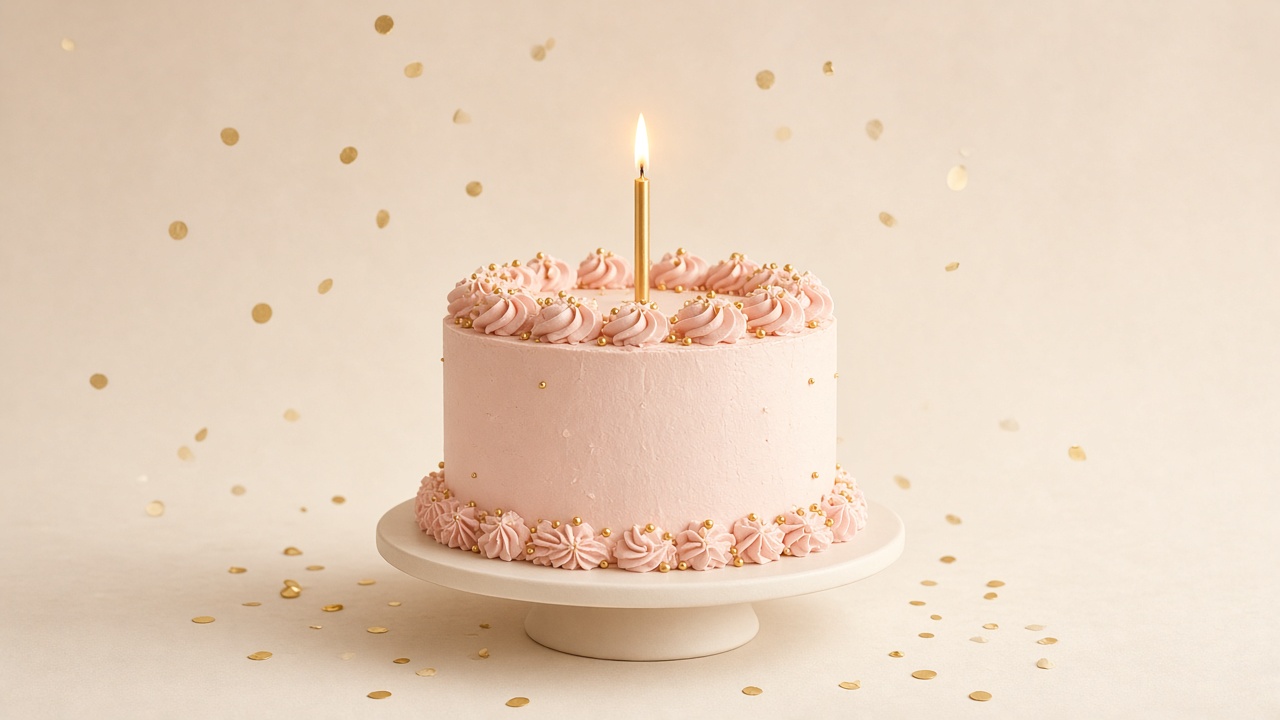
A cake that counts down
The party opens on a cake with their name. Add their birthday and the cake shows their age with a countdown to the day; tap “Open my gift” for confetti and a little opening chime. Ambient sound is optional and off by default.
Make their birthday unforgettable
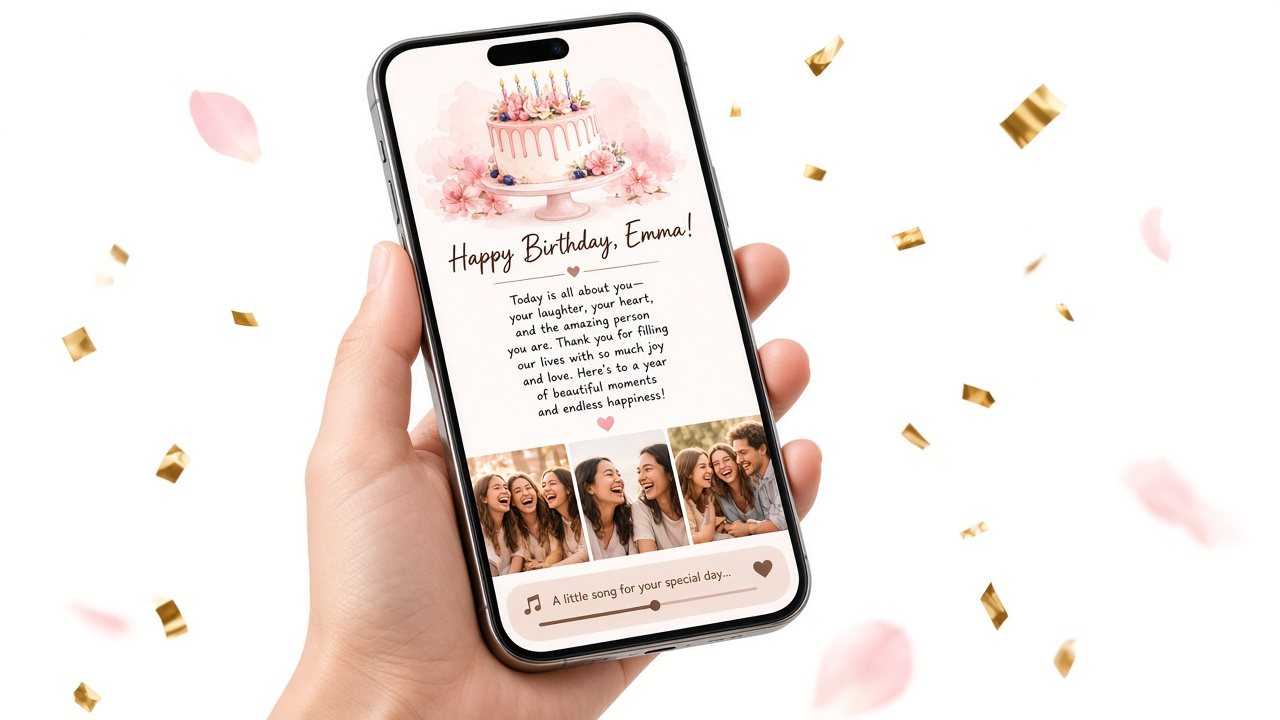
Make a personal birthday page with your letter, your photos, and the song that means something to the two of you — then send it as one link they open on their phone.
No app to install, no design skills, and you see the whole page before you pay anything.
A birthday surprise page — not a party RSVP site.

Saturday, June 14
Happy birthday, Maya
From Sam
The letter
Twenty-six looks good on you. Open the letter first — then the photos.
Moments


Our song
Birthday website creator
Type on the left and watch the phone on the right update as you go. No account needed to fill it in, preview it, or save it and get your link.
Creating and previewing is free. A one-time $5.99 payment unlocks the full party for them.
A birthday website is a small, private web page made for one person on one day. Instead of a card that gets read once and put in a drawer, it holds the things you would actually want to give them: a letter in your own words, photos from your time together, and a song that means something. They open it with a link, on their own phone, whenever you choose to send it.
It sits somewhere between a card and a gift. A digital birthday card with music covers the message and the soundtrack; a birthday surprise website adds the reveal — the cake, the envelope, the moment of opening. People make them for partners (see the ideas for a birthday website for girlfriend or boyfriend), for parents who keep every card (a birthday website for mom is a favorite), and for friends who live far away, where a long distance birthday surprise needs to arrive on time without a plane ticket.
Birthday Website Maker keeps hosting, code and layout out of your way. You write, add photos, check the preview, and share one link. If you want to see a finished one before starting, open the demo birthday page; if you are still deciding whether this is the right kind of present, our birthday gift website guide covers when it works best — and when a physical gift is the better call.
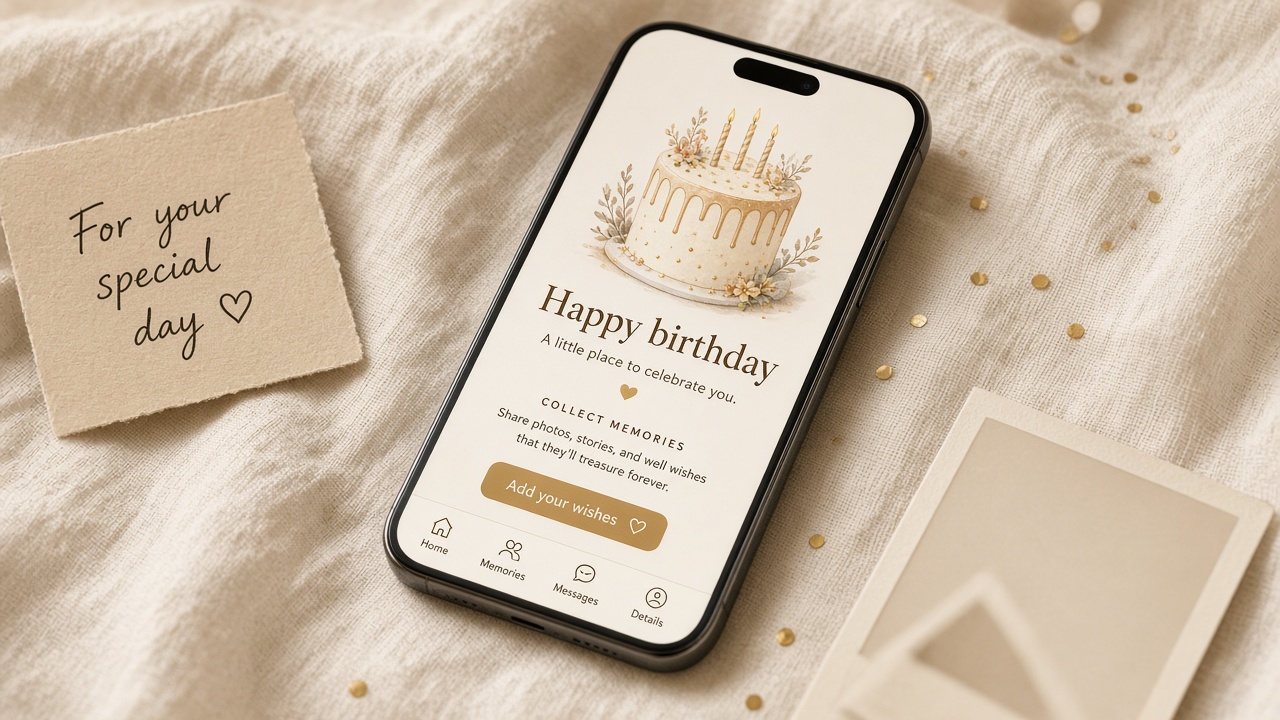
Most people finish in one sitting — the letter is the part that takes time, and it should.
Add their name, your letter, a few photos and a song link. Start from a sample letter if you like — every word stays editable.
The phone preview shows exactly what they will see, opening included. Save to get a private link and a QR code — still free.
Until a page is unlocked, the link shows the cover and the first lines of your letter. One unlock opens the full page for that person; it’s a one-time $5.99.
What goes inside
Every party is built from eight optional surprises — the letter, what I love, our story, wishes, moments, places, our date and our song. Fill in the ones you want; anything you leave empty simply doesn’t appear.
The party opens on a cake with their name. Add their birthday and the cake shows their age with a countdown to the day; tap “Open my gift” for confetti and a little opening chime. Ambient sound is optional and off by default.
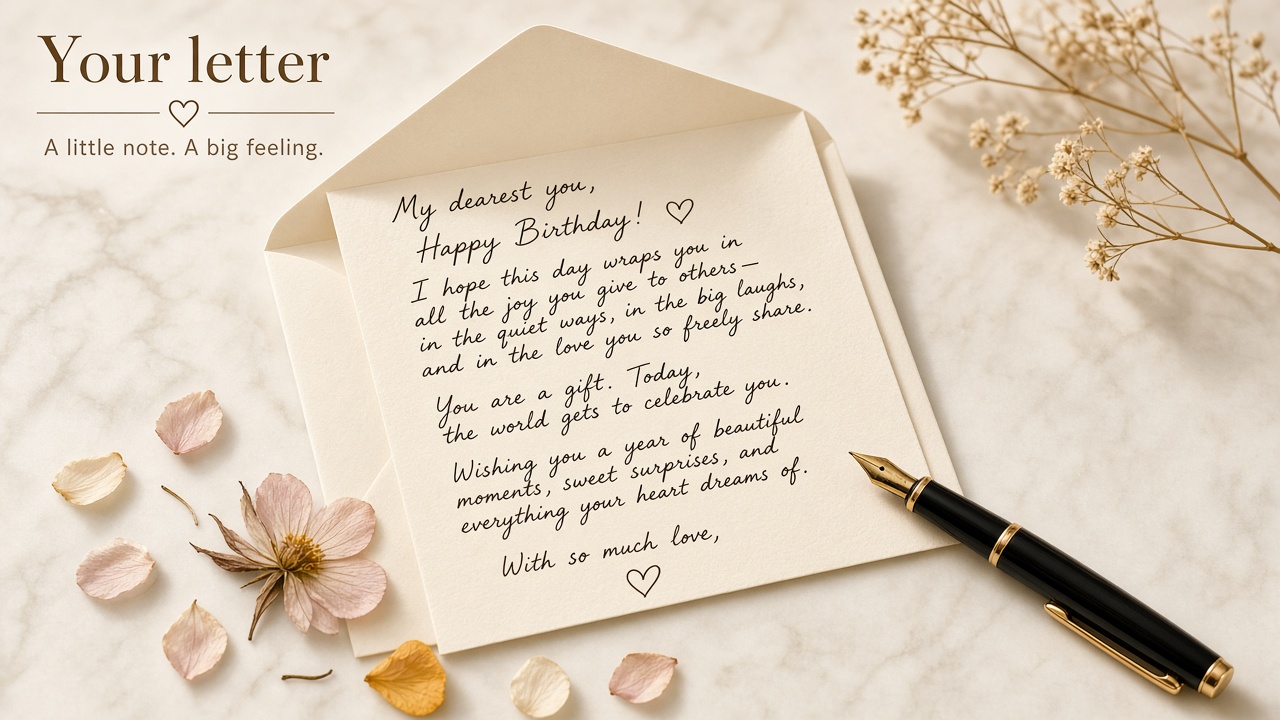
Write up to 5,000 characters, opened from an envelope and signed by you (or anonymously). Stuck? Pick girlfriend, boyfriend, wife, husband, best friend, mom, dad or long distance and fill the letter, reasons, story and wishes from built-in templates — then make them yours.
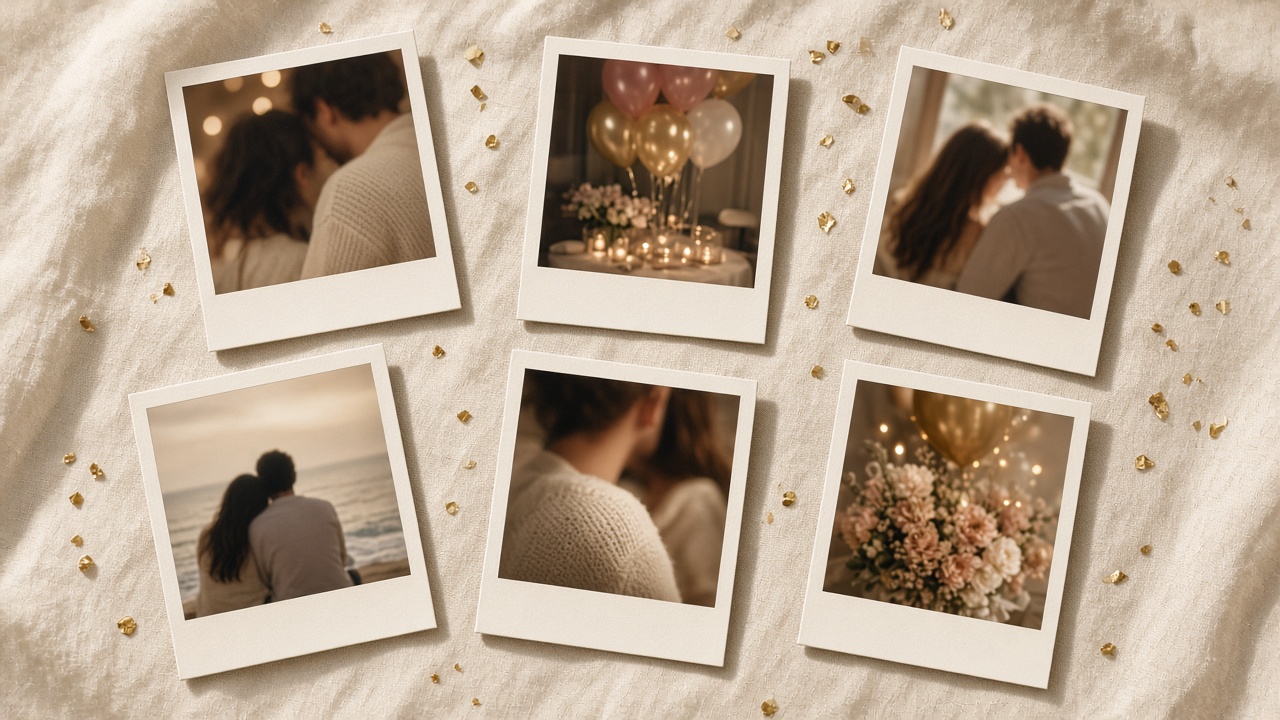
Add up to 10 photos, HEIC from iPhone included. They print from an instant camera as polaroids, each with a caption and date. We read the photo date and location to suggest your date and places on the map.
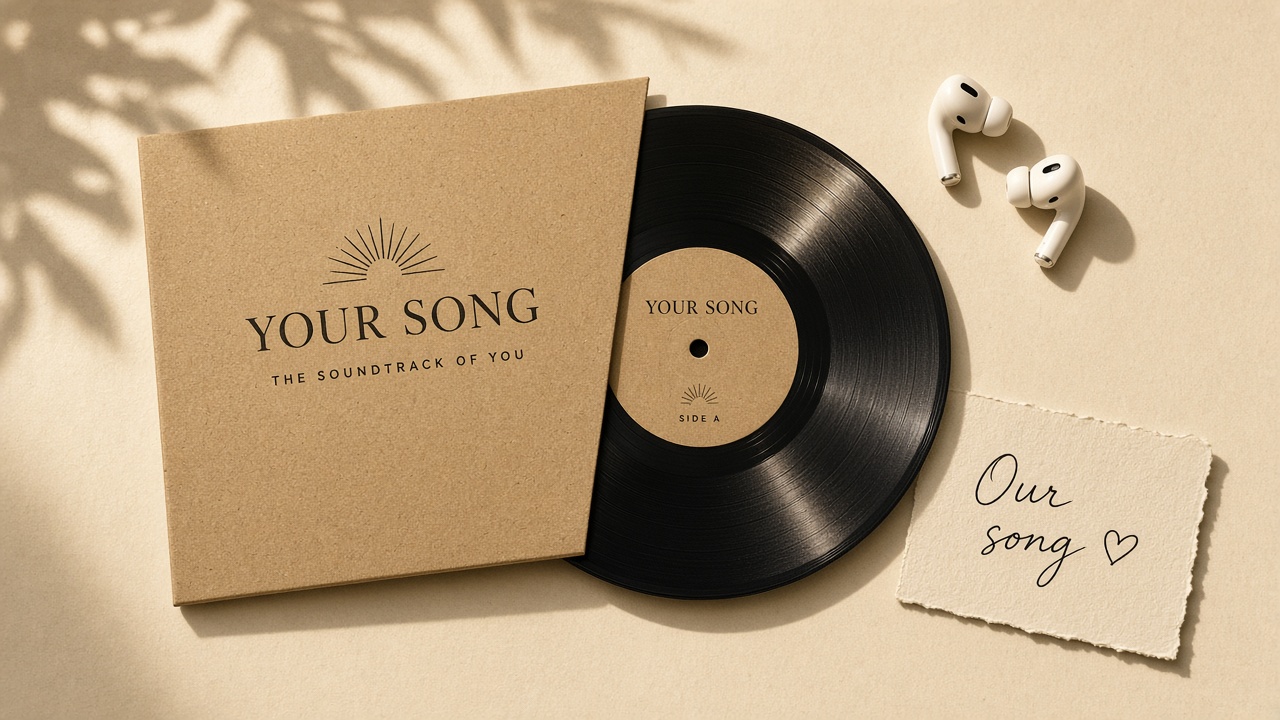
A claw machine full of reasons you love them, a storybook of your story, a wish jar that rises like stars, a calendar for your date, a map of your places — and a song link that plays or opens.
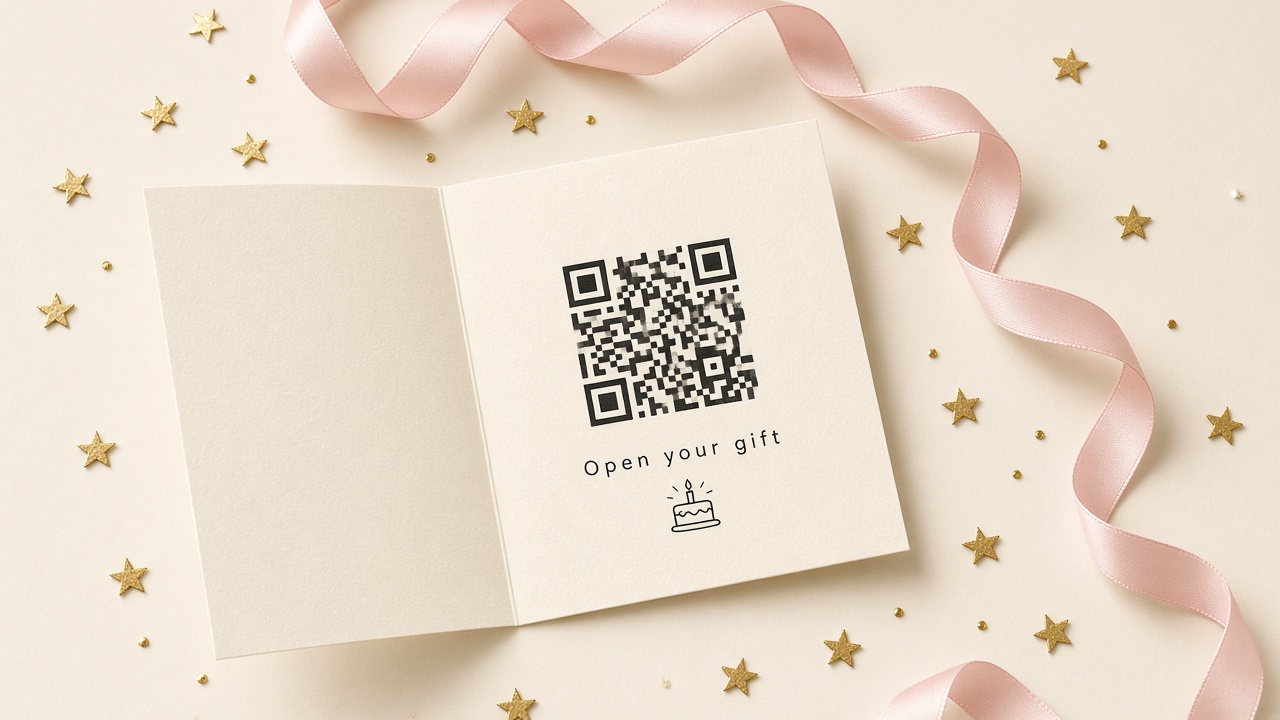
Creating and previewing are free. You get a private link and QR code; until the one-time $5.99 unlock they see the cover and a short preview of each surprise. Add a password if you want it private.
A short, warm sequence instead of a wall of text: the cake, an envelope with their name, your letter, the photos, and the song at the bottom. It works the same on any phone or laptop browser.
Friday, April 5
Happy 26th, Maya
With love from Jordan
The letter
I wrote this on the train home, thinking about every ordinary Tuesday you made better. Here’s to the year ahead.
Moments
Our song
The one from the road trip
The page is the same; what you put in it changes completely depending on who it is for. Each guide has its own sample letter, memory prompts and song ideas.
Romantic, specific, a little bit embarrassing — the good kind.
The things you mean but never get around to saying.
A look back over the years, and a line about the next ones.
Short and honest beats long and polished.
Inside jokes first, one sincere paragraph last.
A thank-you she will reread, with the old photos.
For the dad who “doesn’t need anything.”

Arrives at midnight their time, wherever they are.
Looking for something else? Browse all birthday website ideas, from a birthday surprise website to a digital birthday card with music.
Moods
The page design stays clean and warm on purpose. The mood comes from what you put in it — the photos you choose, how you write, and the song. A few directions that work well:
Birthday morning
Close-up photos, a gentle letter, an acoustic song.
Golden hour
Old phone photos, a nostalgic letter about how it started.
Party night
Group shots, inside jokes, the song you all scream along to.
Just us
Three photos, a short sincere note, one slow song.
Weekend brunch
Travel photos and a letter about the year ahead.
Four pages we wrote ourselves to show the range. They are examples, not customer stories.
Partner
A two-paragraph letter about an ordinary Tuesday, four photos from one weekend, and the road-trip song. This is the full demo — tap through it like they would.
Open the demoBest friend
Funny first, sincere last: a list of shared disasters, then one honest line about why the friendship matters.
Read the exampleMom
A thank-you list written by three siblings, scanned photos from the 90s, and the song she played while cooking.
Read the exampleLong distance
Sent at 12:00 in their time zone, with a photo of the place you will visit together next.
Read the exampleEach of these is good at something different. Here is an honest look at where a birthday website fits.
Swipe the table sideways to see every column →
| Birthday website | Paper card | Video message | Party invite site | |
|---|---|---|---|---|
| Best for | A personal message to one person | Something to hold and keep | Hearing your voice | Getting guests to a party |
| Long letter | Yes — up to 5,000 characters | Limited by the card | Spoken, not written | Not the point |
| Photos & music | Up to 10 photos + a song | Printed photo at most | Yes, edited in | Usually a cover image |
| Delivery | One link or QR code, any time | Post or in person | File or link | Link to many guests |
| Works far away | Yes, arrives instantly | Needs time to post | Yes | Yes |
| RSVPs & guest list | No | No | No | Yes — that is its job |
| Cost | Free preview, one-time unlock | Card + postage | Free to expensive | Often free |
Planning the party itself? Use a party invitation tool for RSVPs — and send a birthday page to the person it is all for. Comparing makers? See Birthday Website Maker vs 2luv and Birthday Website Maker vs Canva.
Start a free previewExample stories
Illustrative scenarios showing how people use Birthday Website Maker. These are examples, not customer reviews.
“Can’t be there in person, so the letter, our photos and our song go in one link she opens at midnight.”
Partner, long-distance
“Thirty old family photos, a long thank-you letter, and a QR code printed inside the paper card.”
Adult child
“Inside jokes in the letter, a wish wall for the group, and a party mood with confetti on open.”
Best friend
“Fifteen minutes the night before: three photos, a short letter, preview, share.”
Last-minute sender
Illustrative examples written by our team. We will only publish real reviews with the sender’s permission.
Create and preview free. Pay once to unlock the gift you share.
Free to preview
Create and preview your birthday page for free so you can see what they’ll experience.
$5.99
One-time payment · no subscription
The whole party: cake cover with age and countdown, letter, claw machine, storybook, wish jar, instant photos, map, calendar, and your song.
No subscription. Before payment, your link shows the cover and a short preview of each surprise.
See how unlocking worksWho it is for, what it costs, and what happens to the link.
Birthday Website Maker is a tool for making a personal birthday page — a letter, photos, a song and a short cake-and-envelope opening — that you share as one private link. It is made for one person on their birthday, not for party planning.
No. There are no guest lists, RSVPs or event details. If you need invitations, use a party invite tool; use a birthday page for the message to the person being celebrated.
Creating, previewing and saving a page is free, and you get the link and QR code straight away. Until you unlock a page, the link shows the cover and the first lines of your letter. Unlocking the full page is a one-time purchase per page, and it’s a one-time $5.99. There is no subscription.
No. You can fill in the editor, preview it and save it to get a link without signing up. Adding your email when you save is optional; it is stored with the page so you have a record of it.
No. They open the link in any phone or computer browser. Nothing to download, nothing to sign up for.
Their name, a letter of up to 5,000 characters, up to 10 photos, a song link, and the optional cake opening. Direct .mp3 or .m4a links play on the page; other music links show as a button that opens the song.
None. You only write and choose photos. The layout, fonts and phone formatting are handled for you, and the live preview shows the result as you type.
Anyone who has the link. Pages are not listed anywhere and are marked so search engines do not index them. Only share the link with the person it is for, and leave out anything you would not want forwarded.
Only if they have the link — so the surprise is in your hands. Save it early, then send the link at midnight, at breakfast, or print the QR code inside a card. The cover counts down to their birthday, but there is no scheduled sending yet.
Yes. When you save, you get a private edit link (you can also set an edit password). Changes you make there show up on the same share link, before or after unlocking.
No — and that is deliberate. You get sample letters for a partner, friend, family member or parent, plus writing prompts on each guide page, but the words are yours.
Yes. Pages are designed phone-first, and photos are resized as you upload them. The preview in the editor uses the same viewer the recipient sees.
Start with Birthday Website Maker: a name, a letter and a few photos. Preview free, then unlock when you are ready to share.
Guides for specific people and moments — each with its own sample letter, prompts and FAQ.
A love letter, your favorite photos of her, and the song that is yours — in one link she opens on her birthday.
Open pageSay the things you never quite say out loud, with the photos and the song he will recognize instantly.
Open pageYears of small moments, the wedding song, and a letter that sounds like you — not a store-bought card.
Open pageA short, honest letter, the trip photos, and his favorite song — ready before the coffee is.
Open pageInside jokes, the blurry group photos, and one sincere paragraph they will screenshot.
Open pageA thank-you she can reread, old family photos, and a song from your kitchen growing up.
Open pageWhen you cannot be there: a page that arrives at midnight their time and still feels like you showed up.
Open pageA cake that lights up, an envelope, then your letter — a reveal they open at the moment you choose.
Open page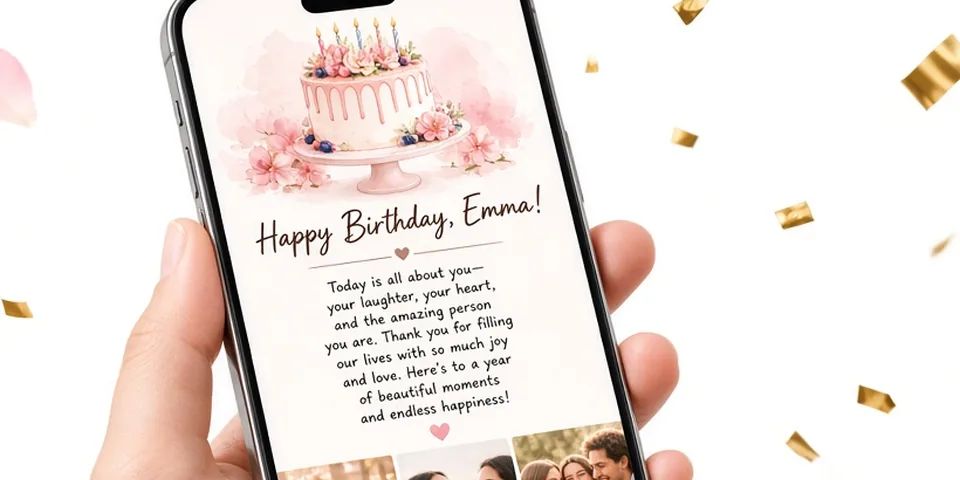
A step-by-step evening plan for making a birthday website: what to gather, how to write the letter, picking photos and a song, and checking it on a phone.
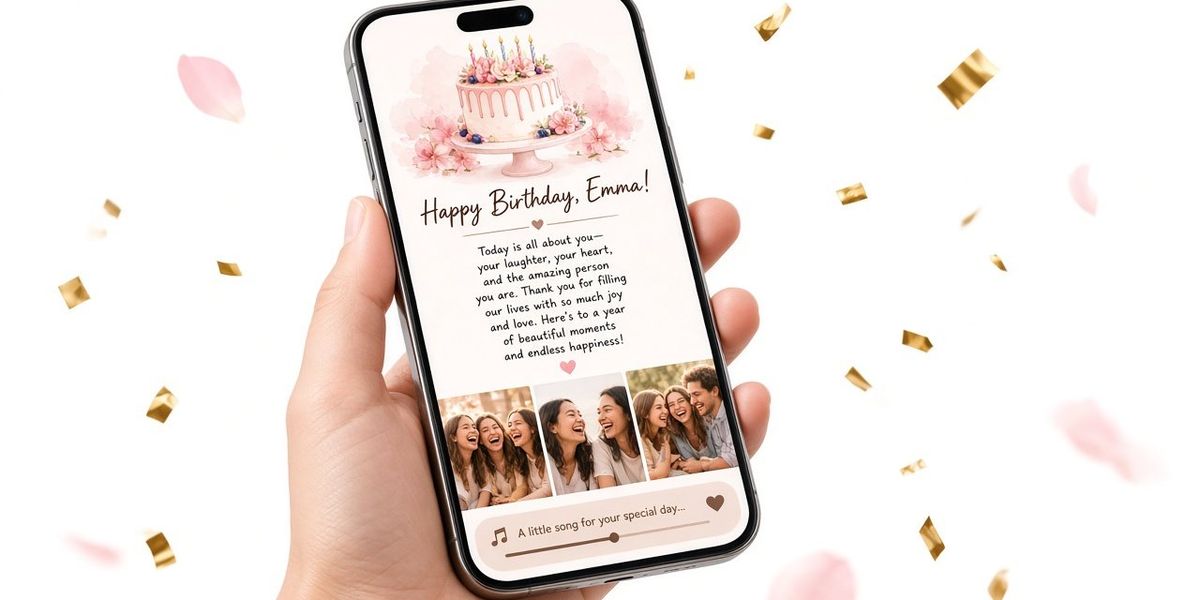
What a birthday website is, how it differs from an e-card, a video montage or a party invite page, who it suits best, and its honest limits as a gift.
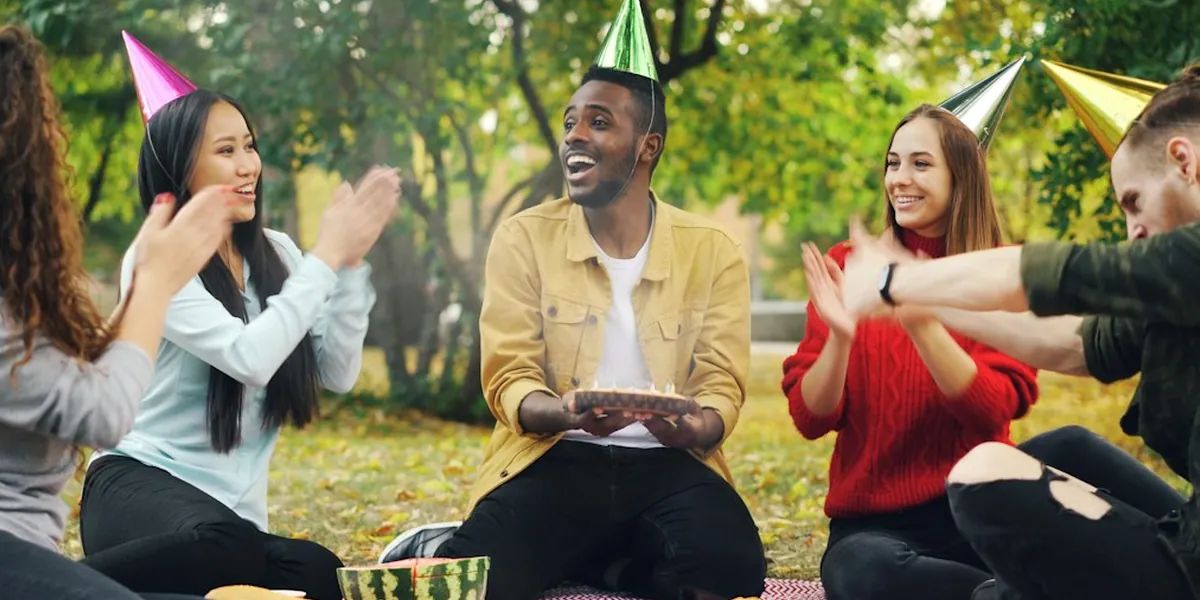
How to choose photos for a birthday surprise page: picking six, timeline or theme order, vertical or horizontal shots, scanning old prints, and what to skip.
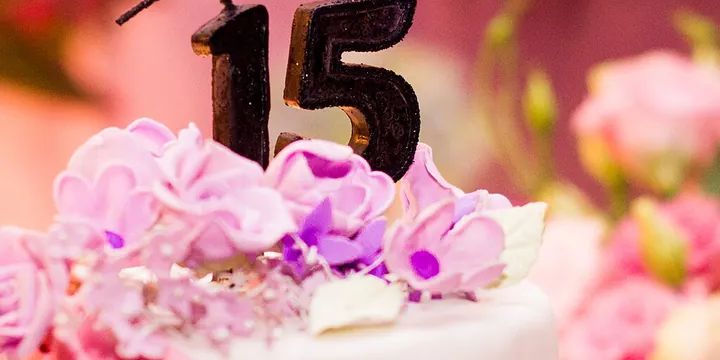
When to send a birthday surprise link (midnight, morning, at dinner or in person), which channel to use, a pre-send checklist, and what to do if it fails.
An honest 2026 look at birthday website makers: 2luv, hbday.to, WishHappyBday, Canva and Birthday Website Maker, with features and prices checked Oct 11.
Song ideas for a birthday surprise for partners, best friends and parents, how to choose one by lyrics and mood, and how to add it to a birthday page.