A card that plays your song
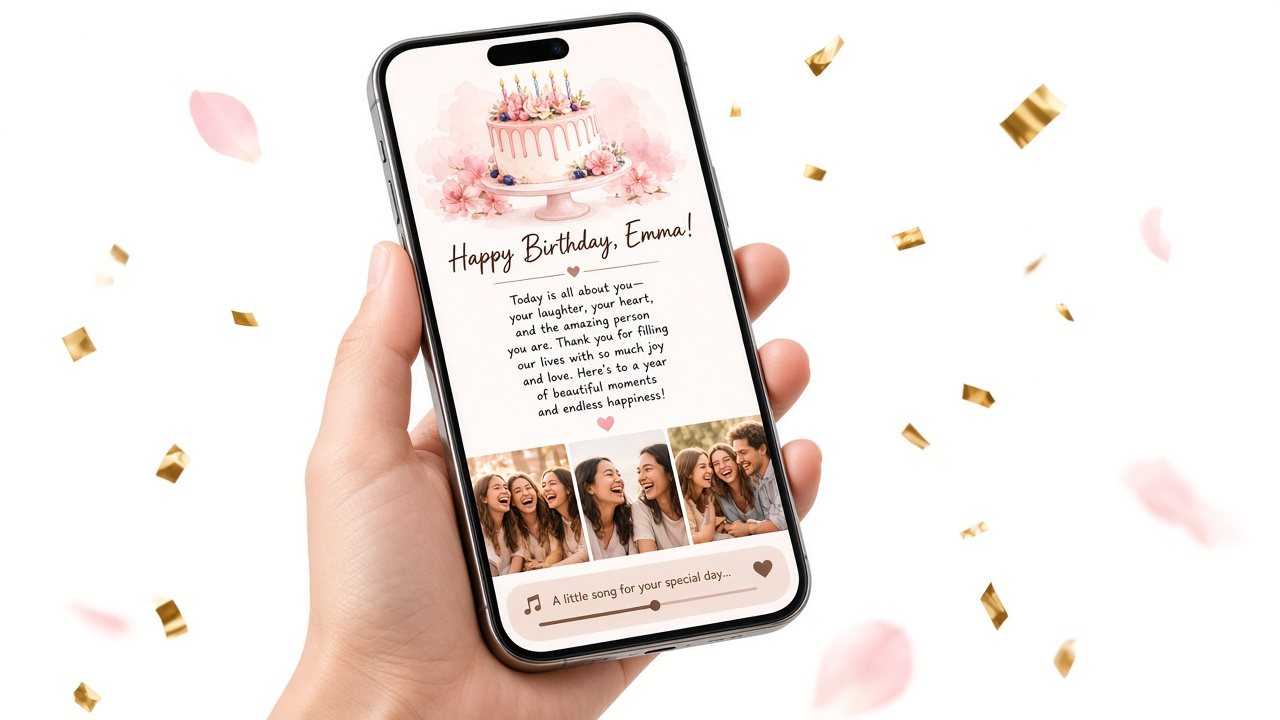
Digital birthday card with music. The message, the photos, and the song that means something.
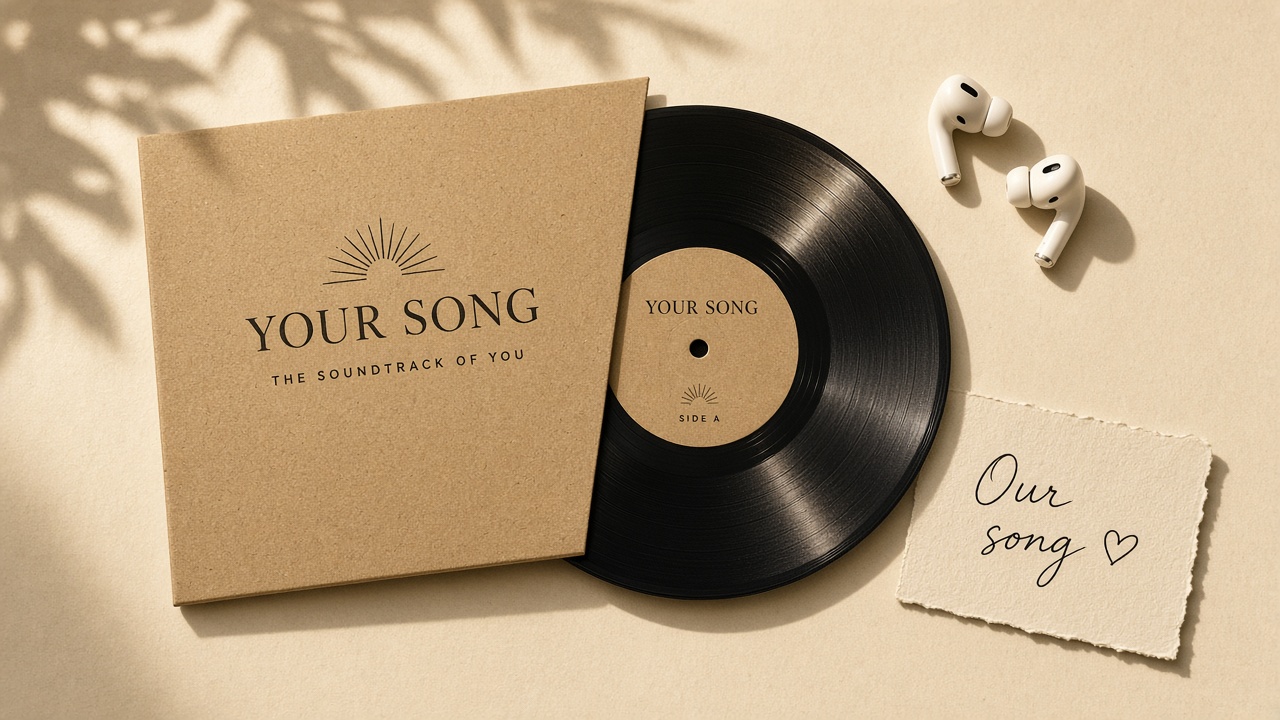
Most e-cards come with stock music. Yours can have the actual song — the one from the wedding, the road trip, the kitchen on Sunday mornings — playing under a letter you wrote and photos you chose.
No app, no account needed to try it.

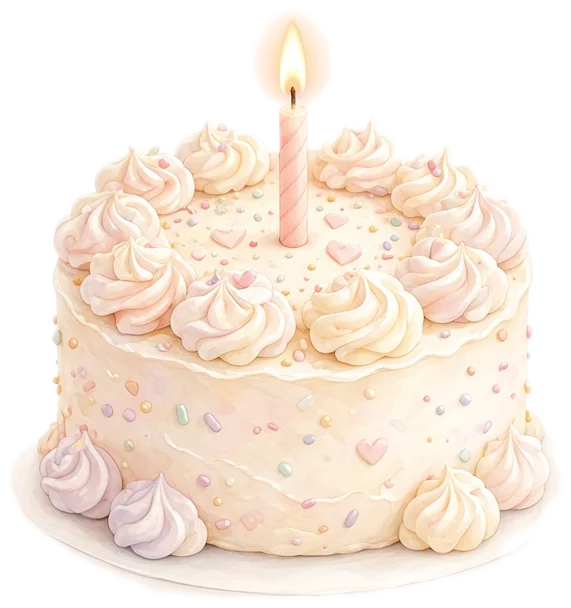
Track 1 of 1
Happy birthday, Ellie
From Grace
The letter
Press play first, then read. I picked this one because of that night in the car.
Moments
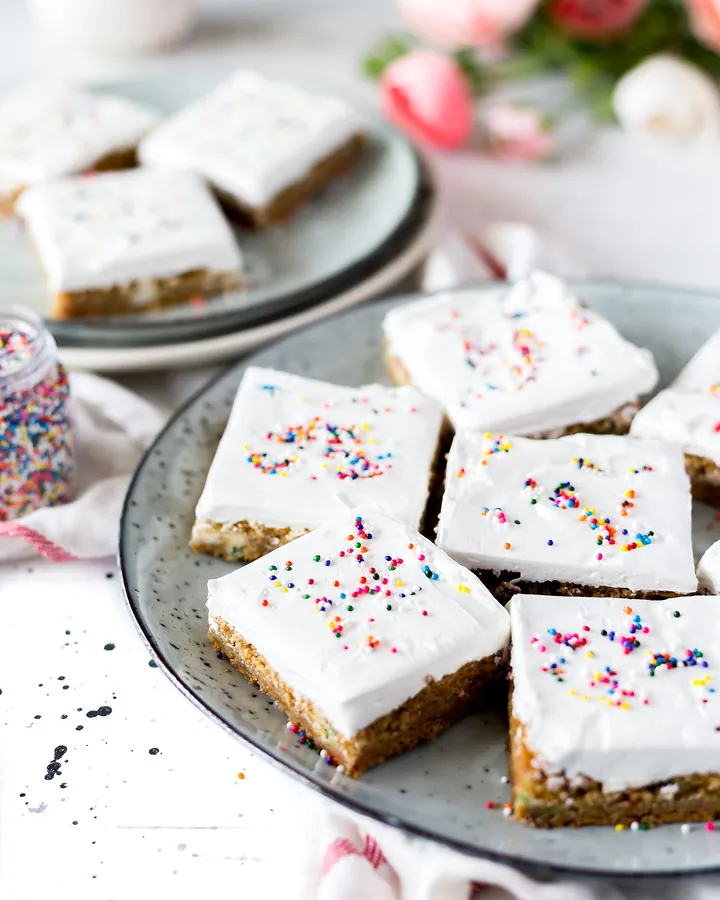

That night in the car
Press play
Birthday website creator
Make your card with music
Add the song link first, then write. Direct .mp3/.m4a links play inside the card; streaming links open as a button.
Creating and previewing is free. A one-time $5.99 payment unlocks the full party for them.
How it works
- 1
Pick the song
Choose the track with a memory attached and paste its link.
- 2
Write the card
A few lines are enough — say why that song, then what you want them to know.
- 3
Add photos and send
Up to 10 photos. Save for a link and QR code; unlock once to share.
What makes a digital birthday card with music different
A digital birthday card with music is a card you send as a link: your message, your photos and a song, opened in a browser. The difference from a classic e-card is ownership — you choose the exact song, write the whole message yourself, and add real photos instead of clip art.
Music changes how a message reads. A short note becomes something bigger when the song from your first dance is playing underneath. Paste a direct audio link (.mp3 or .m4a) and it plays on the page; paste a Spotify, Apple Music or YouTube link and the card shows a button that opens the track in their app. Either way, the song is labeled with your words, like “The one from the road trip.”
Writing for someone specific? Our birthday website for girlfriend and birthday website for wife guides include song ideas. For friends, see the birthday website for best friend. Want a bigger moment with a reveal? Try a birthday surprise website.
How to choose the right birthday song
The best song is rarely a birthday song.
- 01
The song with a place in it
A road trip, a wedding, a kitchen, a club at 2 a.m. The memory does the work.
- 02
The song they overplay
Their anthem — the one they would put on at any party. It says “I know you.”
- 03
A song from the year you met
Look up the charts from that year. One of them will make you both groan.
- 04
A lyric that says it for you
If one line says what you mean, quote it in the letter and let the song finish it.
- 05
Slow for family, loud for friends
Parents usually prefer something they can listen to twice; friends want the chorus.
- 06
Keep the message short
With music playing, three or four short paragraphs read better than a long letter.
Example: a card built around one song
A fictional example where the letter explains the song — about 90 words.
Happy birthday, Ellie!
Press play before you read this.
I picked this song because of the night the car broke down outside Bath and we sat on the hood for two hours singing it until the tow truck came. Worst night. Best night.
This year you got the job, moved cities, and still call me every Sunday. I notice. I’m proud of you.
Turn it up. Happy birthday.
Grace
Why this works
- Tells them to press play first.
- One sentence explains why that song.
- Short letter — the music carries the feeling.
Track 1 of 1
Happy birthday, Ellie
From Grace
The letter
Press play before you read this.
Moments
The tow-truck song
Outside Bath, 2 a.m.
Getting the music right
How the song plays
- Direct audio files (.mp3, .m4a, .ogg, .wav, .aac) play inside the page with a player.
- Spotify, Apple Music and YouTube links show as a button that opens the track — they cannot autoplay inside the page.
- Phones never autoplay sound without a tap, so tell them to press play.
Rights and etiquette
- Only upload or link audio you are allowed to share. Linking to the official track on a streaming service is the safest choice.
- Check the track is available in their country if they live abroad.
- Name the song in the label so it reads like a memory, not a filename.
Card with music vs paper card vs e-card
A paper card is lovely to keep but silent. Classic e-cards often lock you into their music. Here, the song is yours.
Swipe the table sideways to see every column →
| Birthday page | Paper card | Video message | |
|---|---|---|---|
| Room for a real letter | Yes — up to 5,000 characters | A few lines | Spoken, often rushed |
| Photos | Up to 6, swipeable | One, if printed | Yes, if you edit them in |
| Your song | Plays on the page or opens via link | No | Yes, if you edit it in |
| Arrives on time from far away | Instantly, by link or QR | Depends on the post | Instantly |
| Effort | One evening, no editing skills | Ten minutes | Recording + editing |
| Something to hold | No — pair it with a card or gift | Yes | No |
Priced like a gift
Create and preview free. Pay once to unlock the gift you share.
Preview
Free to preview
Create and preview your birthday page for free so you can see what they’ll experience.
- The letter
- What I love
- Our story
- Wishes
- Moments
- Places
- Our date
- Our song
Birthday party gift
$5.99
One-time payment · no subscription
The whole party: cake cover with age and countdown, letter, claw machine, storybook, wish jar, instant photos, map, calendar, and your song.
No subscription. Before payment, your link shows the cover and a short preview of each surprise.
See how unlocking worksFrequently asked questions
What is a digital birthday card with music?
A birthday message sent as a link that includes your photos and a song. They open it in a browser and can play the music while they read.
Which music links work?
Direct audio files (.mp3, .m4a and similar) play inside the page. Spotify, Apple Music, YouTube and other links appear as a button that opens the song.
Will the song autoplay?
No. Phone browsers do not allow sound without a tap, so the card shows a play button. Mention the song in your message.
Can I upload my own recording?
You can link to a direct audio file you host somewhere (for example a voice memo or a song you recorded) as long as the link ends in a supported audio format.
Can I add photos too?
Yes — up to 10 photos, resized automatically for phones.
Is it free?
Creating, previewing and saving are free. One unlock per card to share the full version; $5.99 one-time.
Send a card that plays your song
Your message, your photos and the track with the memory attached. Free to preview.
Related pages
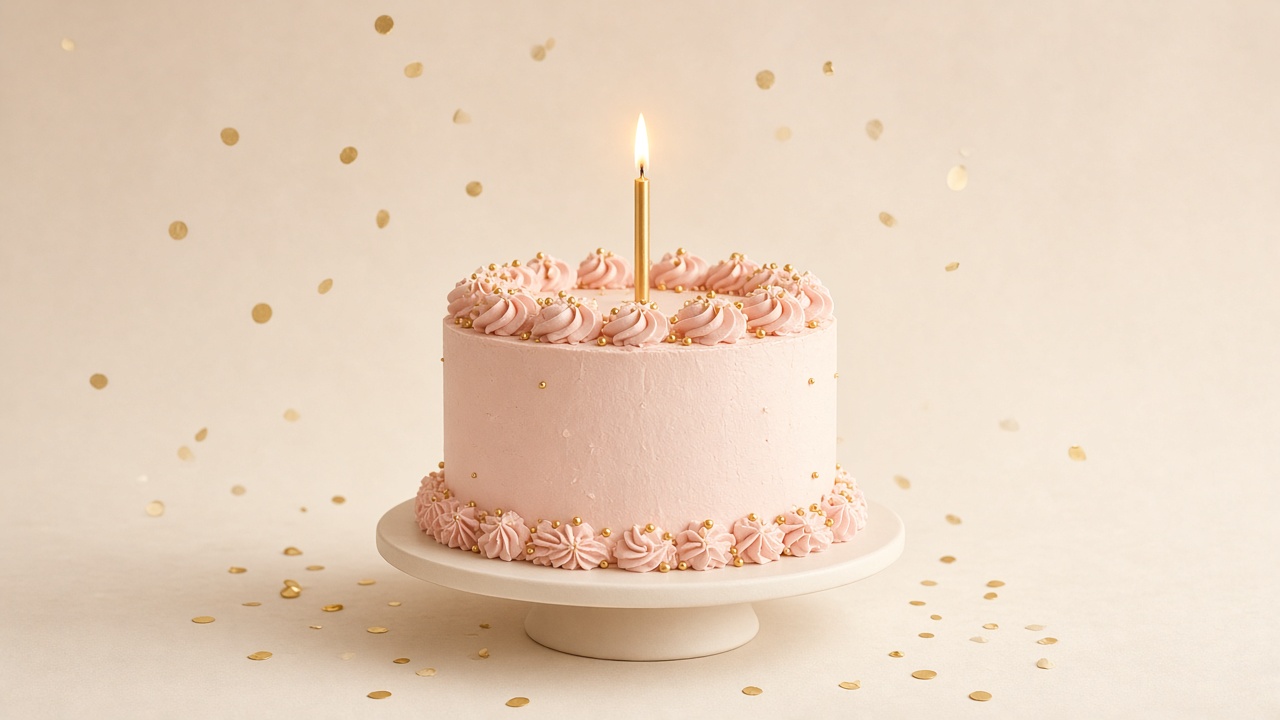
Birthday surprise website
A cake that lights up, an envelope, then your letter — a reveal they open at the moment you choose.
Open pageBirthday website for girlfriend
A love letter, your favorite photos of her, and the song that is yours — in one link she opens on her birthday.
Open page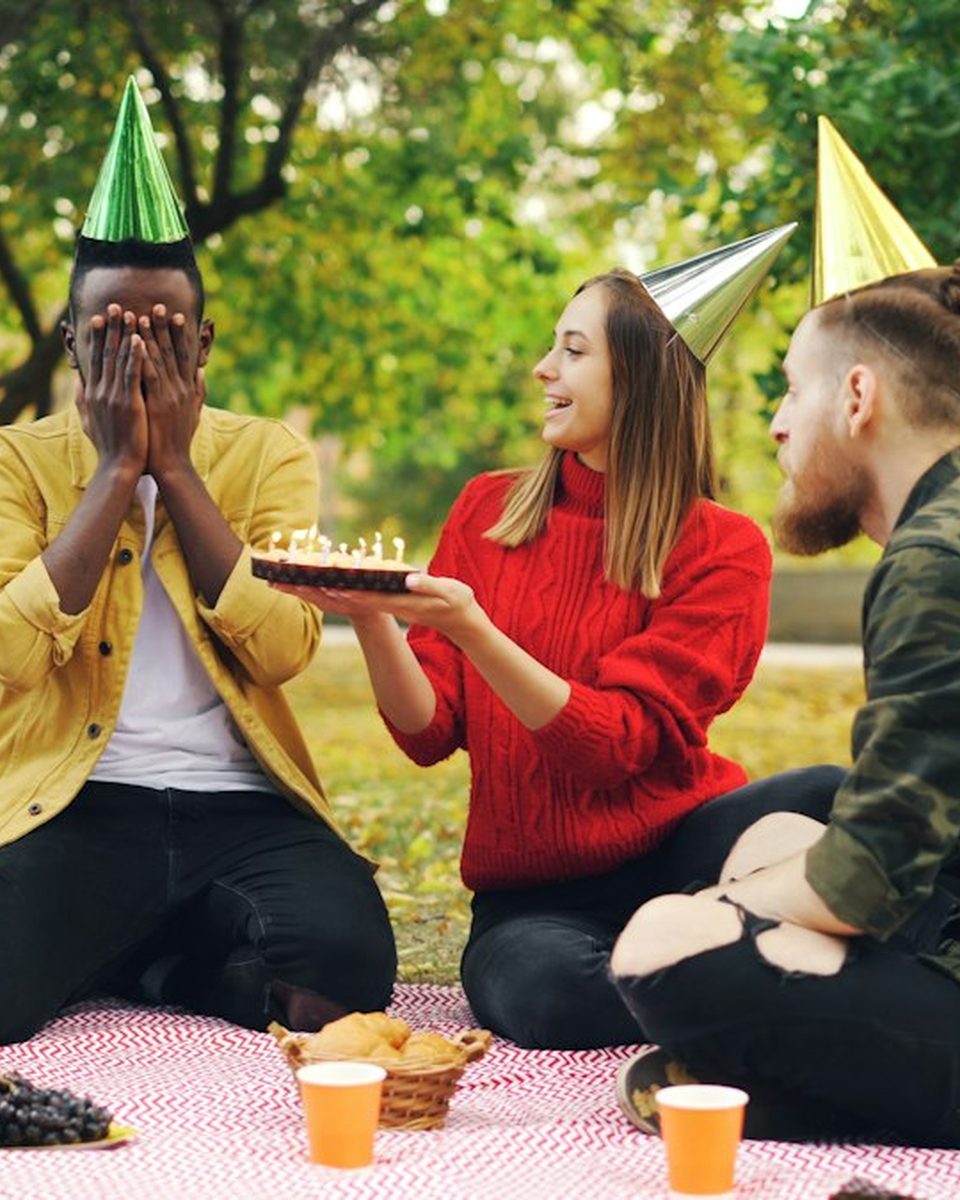
Birthday website for best friend
Inside jokes, the blurry group photos, and one sincere paragraph they will screenshot.
Open page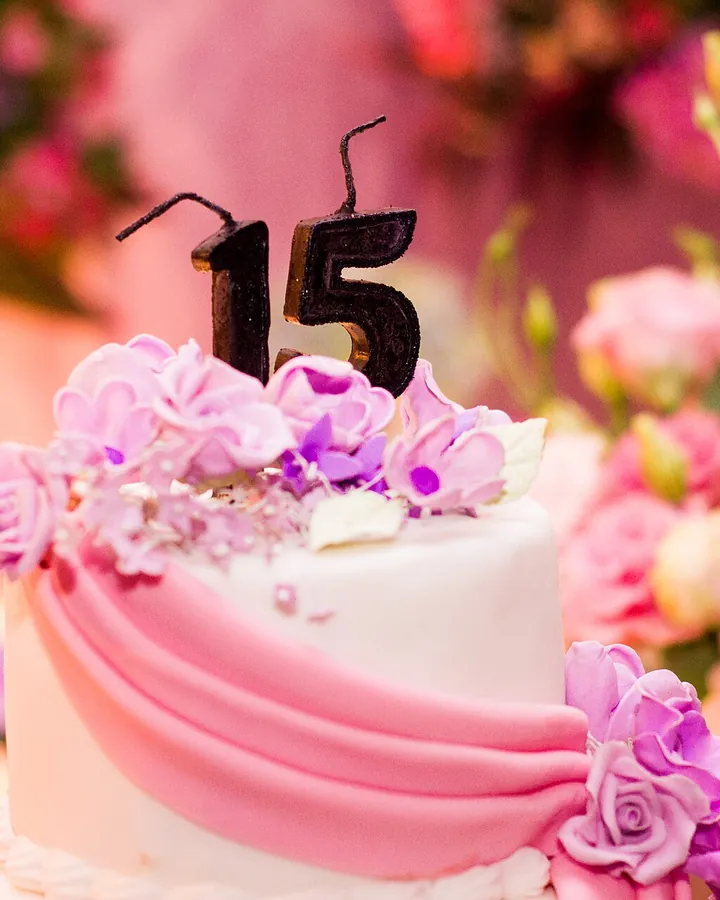
Birthday website for wife
Years of small moments, the wedding song, and a letter that sounds like you — not a store-bought card.
Open page
Birthday gift website
A personal gift you can make tonight — on its own, or tucked next to a present with a QR code.
Open page
Long distance birthday surprise
When you cannot be there: a page that arrives at midnight their time and still feels like you showed up.
Open page
Birthday website for mom
A thank-you she can reread, old family photos, and a song from your kitchen growing up.
Open page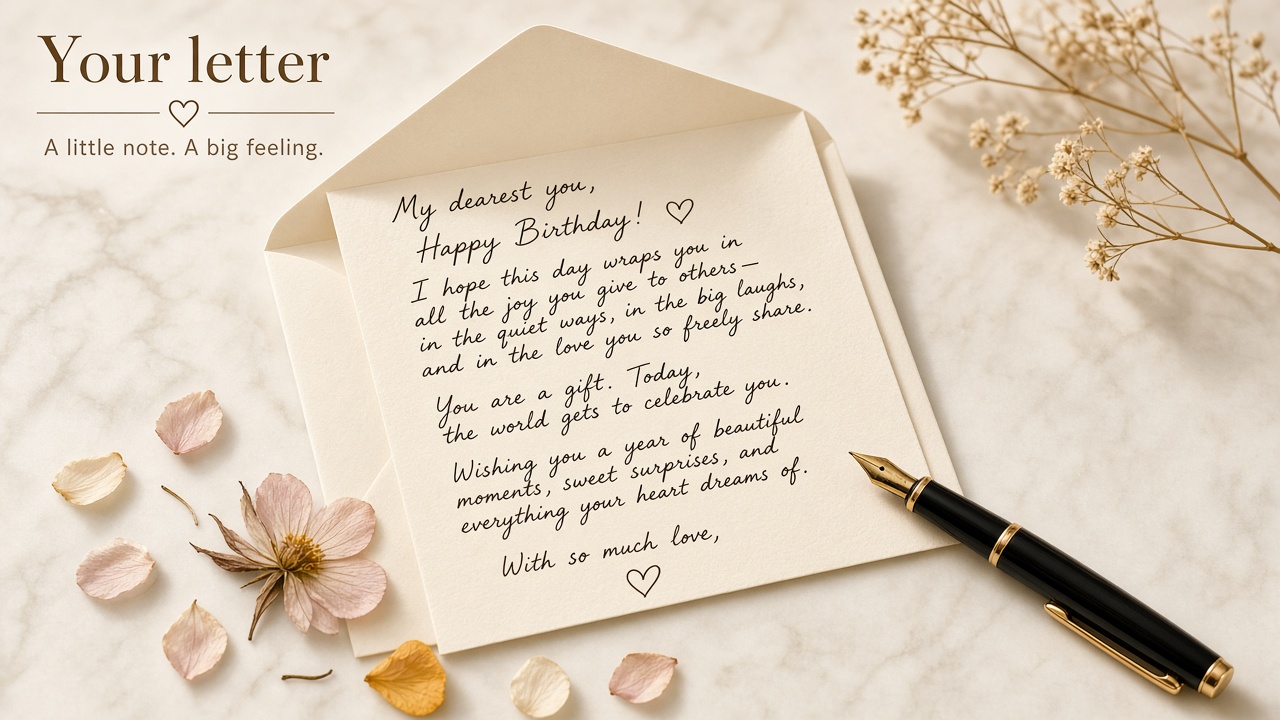
Birthday Website Maker vs Canva
A designed card you download or print vs a page they open with photos and a song.
Open page
Related articles
Best Songs for a Birthday Surprise (for Partners, Friends, and Parents)
Song ideas for a birthday surprise for partners, best friends and parents, how to choose one by lyrics and mood, and how to add it to a birthday page.
Last-Minute Digital Birthday Gift Ideas (That Still Feel Personal)
Forgot a birthday? Last-minute digital birthday gift ideas you can finish in an hour, a 45-minute birthday page plan, and how to pair it with a gift card.

Long-Distance Birthday Surprise Ideas That Actually Land
Long-distance birthday surprise ideas that work: midnight in their time zone, a QR code in a mailed card, food delivery, video-call reveals, and a timeline.
Best Birthday Website Makers in 2026: An Honest Comparison
An honest 2026 look at birthday website makers: 2luv, hbday.to, WishHappyBday, Canva and Birthday Website Maker, with features and prices checked Oct 11.
Birthday Letter for Boyfriend: What to Say When You're Not a Writer
Not a writer? Use these fill-in templates, sentence starters and full examples to write a birthday letter for your boyfriend, then add photos and a song.
Birthday Letter to My Wife or Husband: Ideas After Years Together
How to write a birthday letter to your wife or husband after years together: a year-by-year structure, full examples, and pairing it with wedding photos.