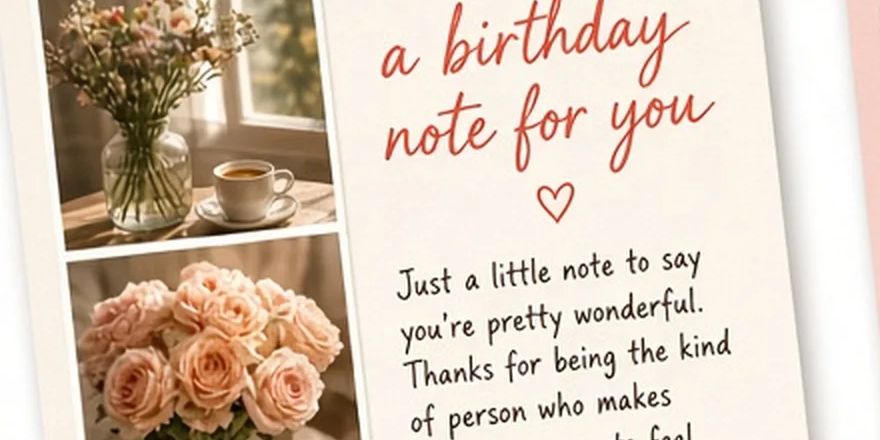
Throw them a birthday party website — create and preview free, $5.99 one-time to unlockSee pricing

Comparison · checked October 11, 2026

Birthday Website Maker vs Canva for birthday cards and pages

Canva is a design tool; its birthday card maker helps you design a card from templates, then download, share or print it. Birthday Website Maker does one narrower thing: a private birthday page with a letter, photos and a song that someone opens on their phone. Here is how they differ, based on Canva’s public birthday card page as of October 11, 2026.

What each product is for

What is Birthday Website Maker?

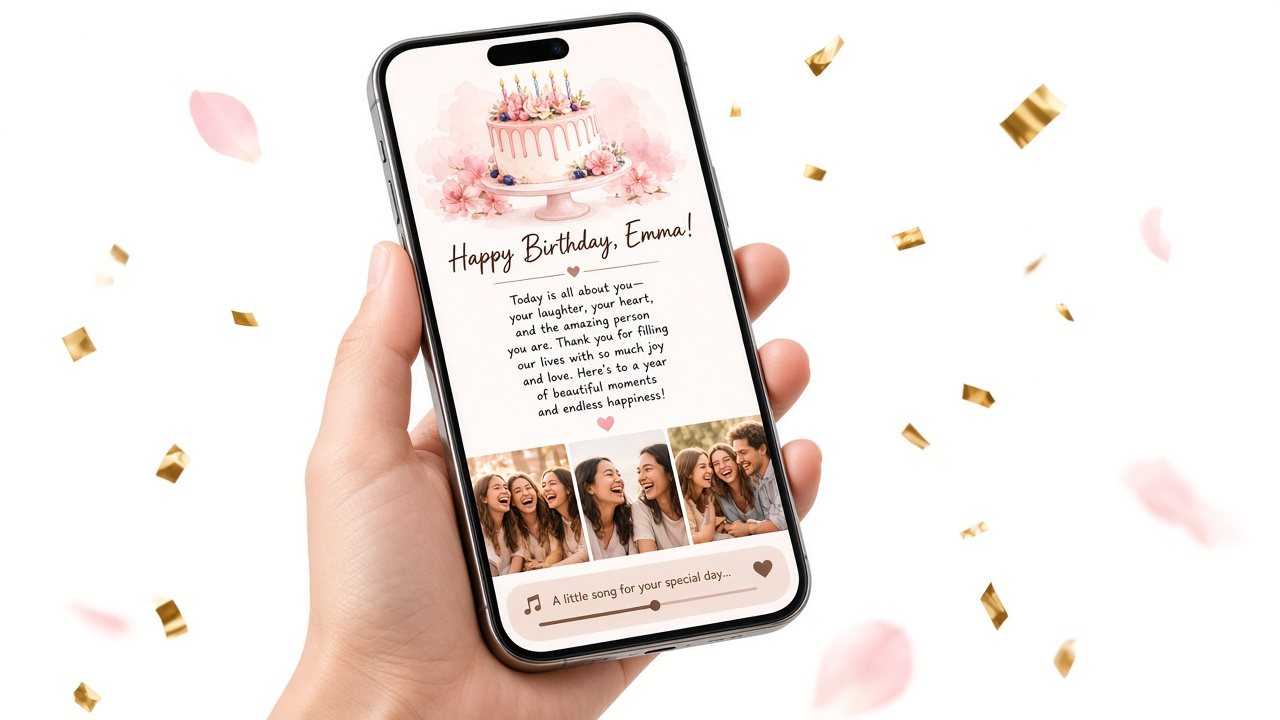
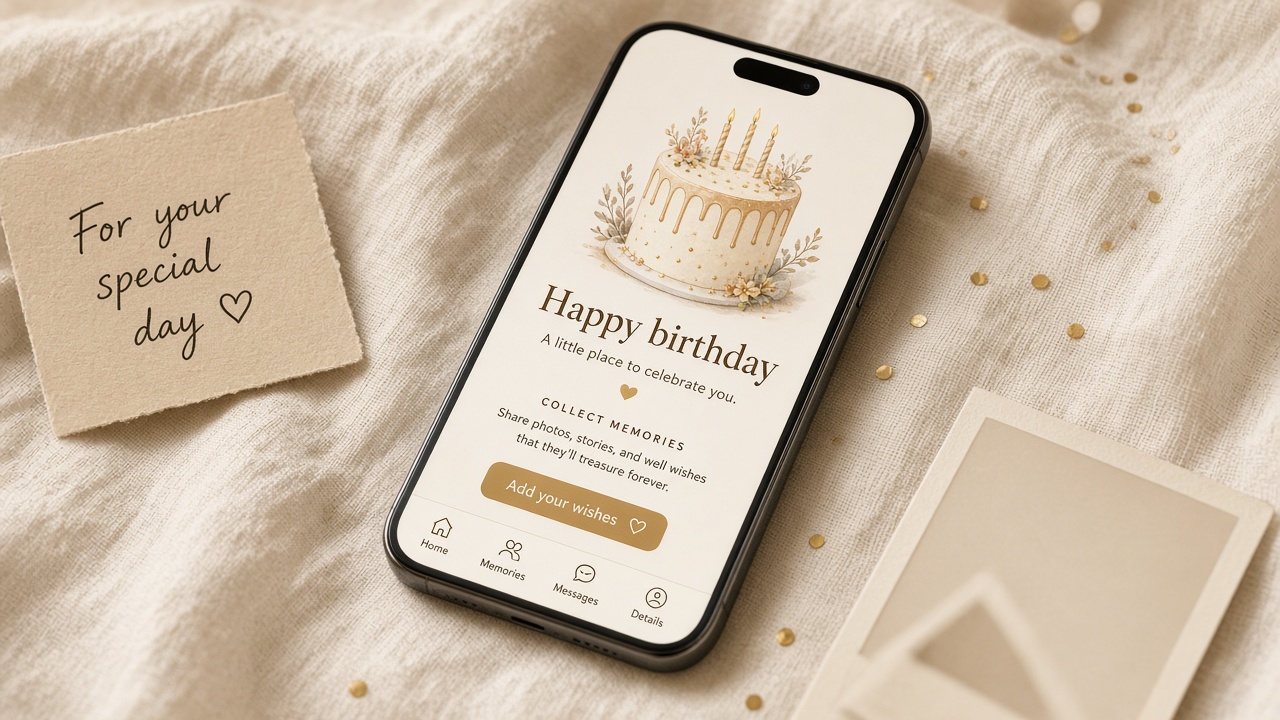
A birthday website maker for one-person birthday pages: a short cake-and-envelope opening, your letter (up to 5,000 characters), up to 10 photos and a song link. There are no layouts to design — you write and choose photos, and the page is formatted for phones automatically.

Preview and saving a link are free; sharing the full page is a one-time unlock per page ($5.99 one-time).
What is Canva’s birthday card maker?

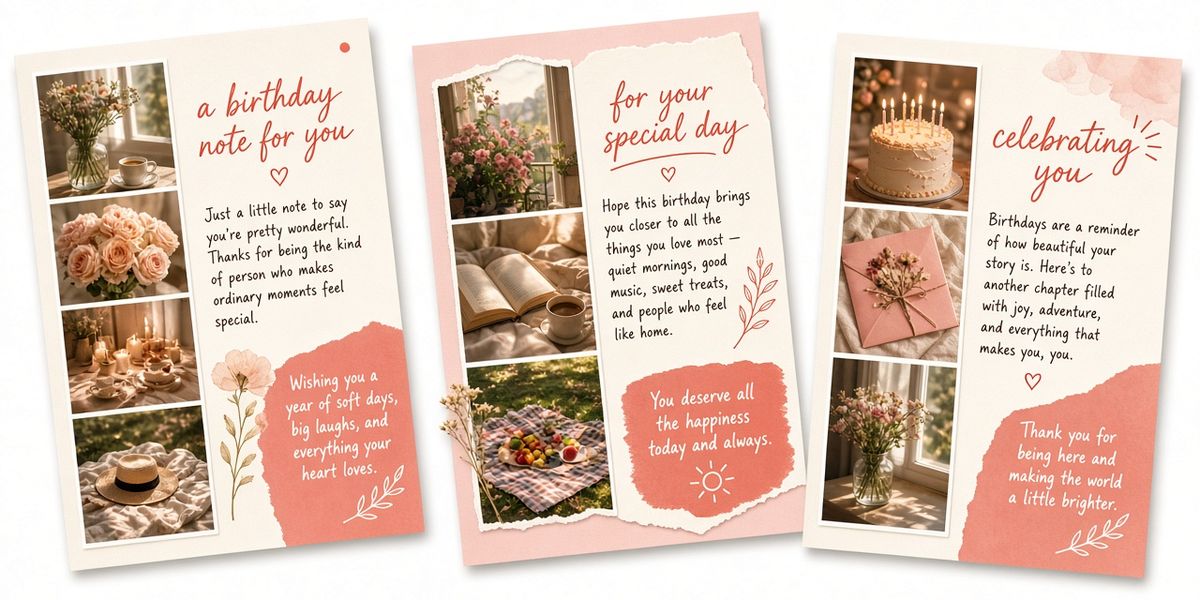
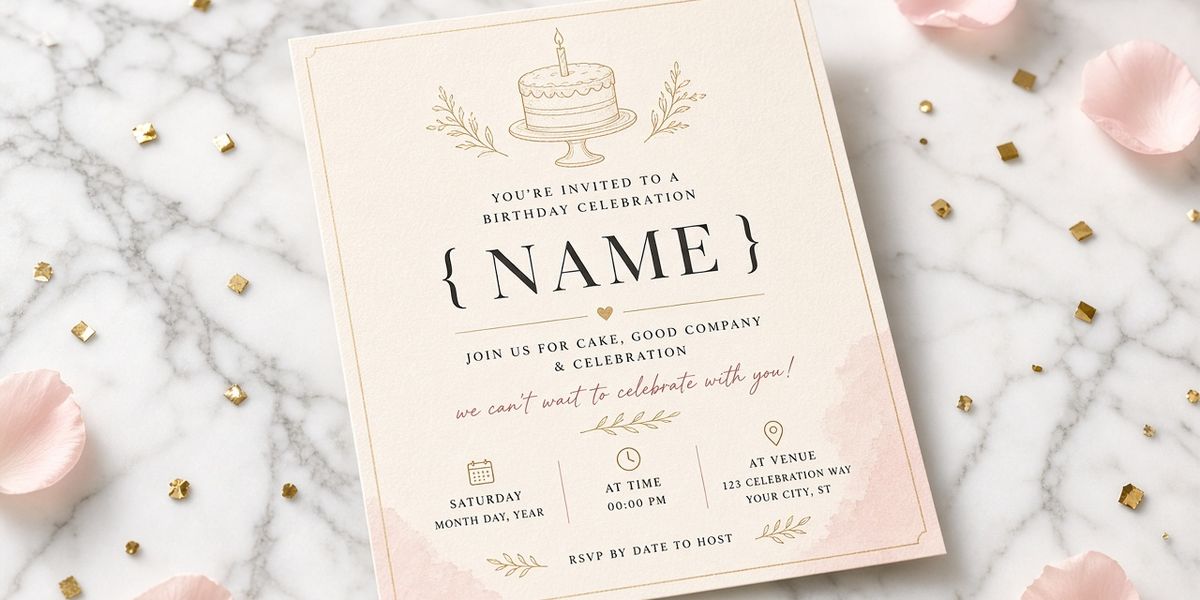
Canva describes it as a free birthday card maker with a drag-and-drop editor, templates (folded and flat cards), and a library it says includes 3M+ free stock photos and graphics. You can upload your own photos, add icons, fonts and illustrations, and use AI tools (some marked Pro on the page).

Canva’s page says you can save the design as JPEG, PNG or PDF, share it online through social media or email, and order printed cards through Canva Print, which it says includes free standard shipping.

Side by side: Birthday Website Maker vs Canva

Canva details are taken from its public pages on October 11, 2026. Prices and features change — check their site before you decide.

Birthday Website Maker compared with Canva’s birthday card maker (Canva details from its public page, checked October 11, 2026)
Birthday Website MakerCanva birthday card maker
What you makeA private birthday page they open from a linkA designed card (image/PDF) or printed card
Design workNone — write and add photosFull design control with templates and drag-and-drop
Long letterUp to 5,000 characters, formatted for phonesLimited by card layout
PhotosUp to 6, in a swipeable galleryUpload your own; large stock library
MusicSong plays on the page or opens via linkNot mentioned on Canva’s birthday card page
Opening momentCake + envelope reveal before the letterNot applicable to a static card
PrintPrint the QR code inside any cardCanva Print, with free standard shipping per Canva
CostFree preview + one-time unlock per pageFree card maker; some tools marked Pro

Key differences in practice

Designing vs writing

Canva gives you a full design canvas: fonts, layouts, stock graphics and AI tools. That is great if you enjoy designing. Birthday Website Maker removes design decisions entirely so the time goes into what you write and which photos you choose.

A file vs a page

A Canva card is a design you download as an image or PDF, share, or print. A birthday page is something they open: an opening, an envelope, a letter, photos and a song in sequence. Different objects for different moments.

Music

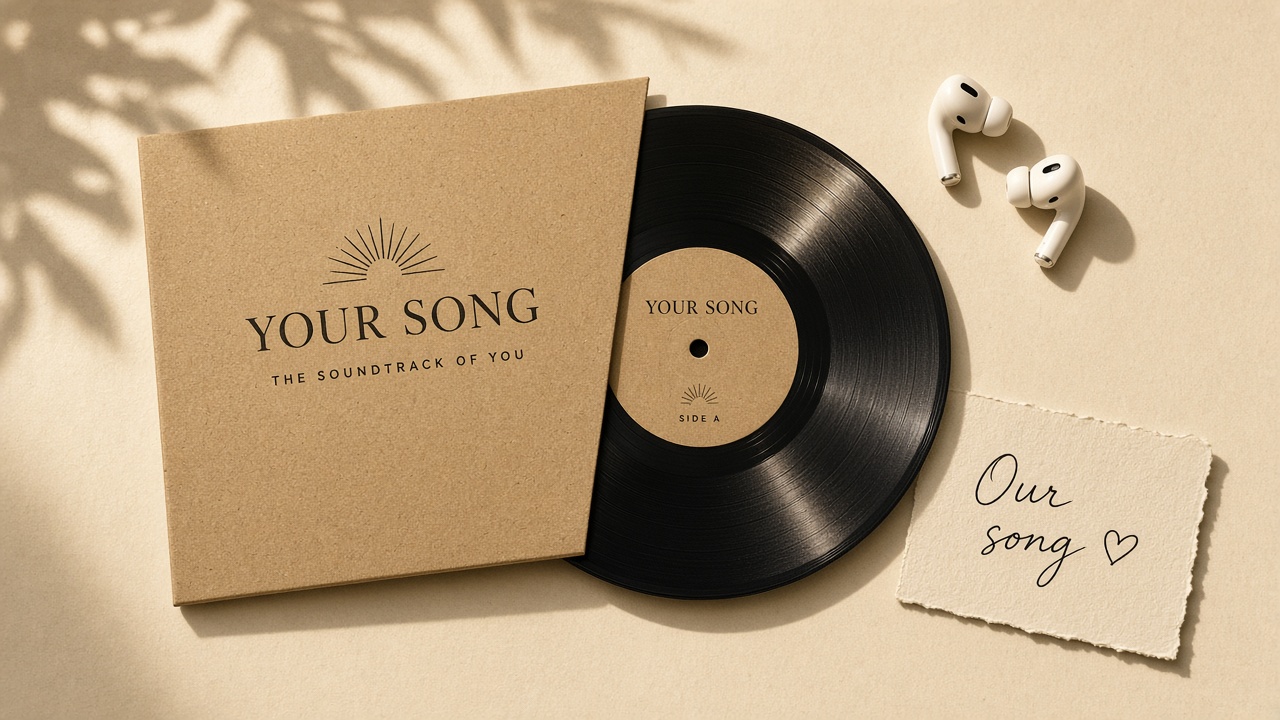
Canva’s birthday card page does not mention adding music to cards. Music is a core part of a birthday page here: direct audio files play on the page, and streaming links open the track.

Printing

If you want a beautiful physical card delivered, Canva Print is the stronger option. You can also combine the two: design and print a card in Canva, and put this page’s QR code inside it.

Birthday website creator

Try the letter-first approach

Fill it in, preview it on the phone and save a link — no account needed. The [bracketed] parts are yours to replace.

Creating and previewing is free. A one-time $5.99 payment unlocks the full party for them.

How payment works: $5.99 to unlock

Chapter 1

Whose birthday is it?

Their name goes on the cover, next to their age and a countdown to the day.

0 / 150

With a year, their age goes on the cake and we count down to the day.

0 / 150

Shown at the end of the letter. Leave blank to stay anonymous.

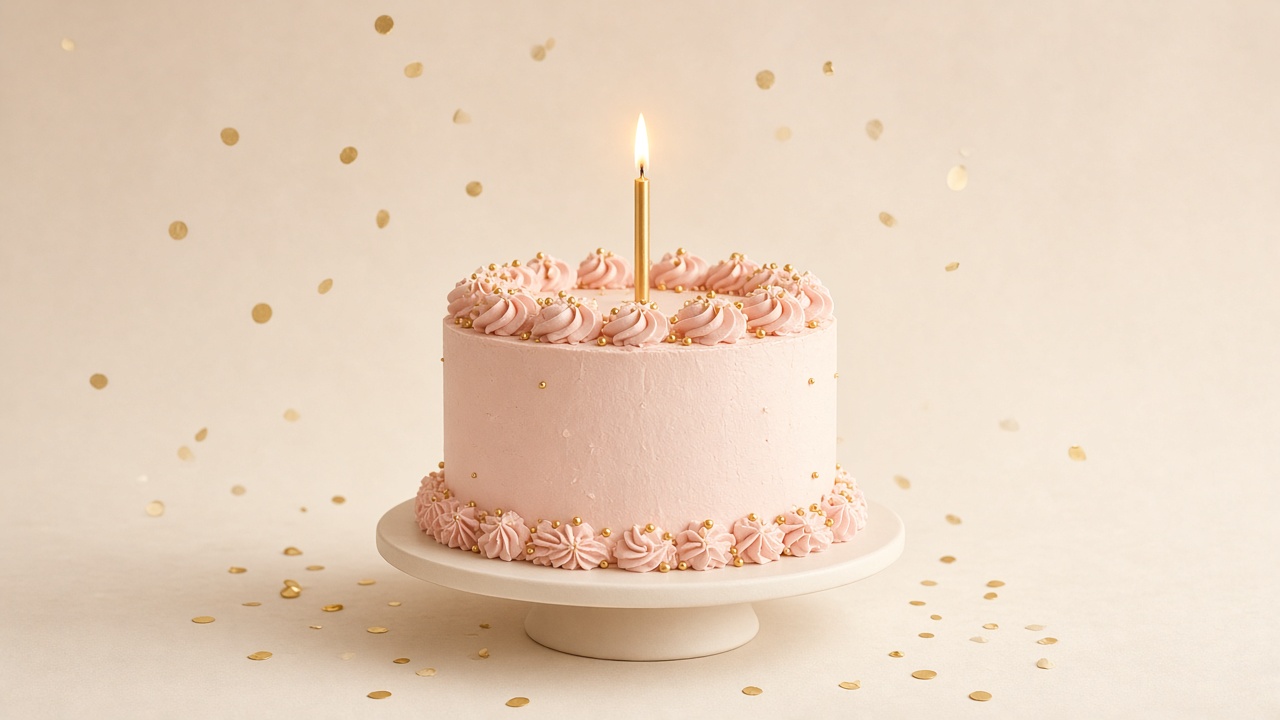
They open the gift from a birthday cake before the surprises.

Chapter 2

Fill the party with surprises

Each surprise is one scene in the party. Anything left empty simply won't appear.

Need words? Use a template

Pick who it's for, then fill the empty fields or use a template on any field. Everything stays editable.

The letter

Opens from an envelope on stage.

What I loveEmpty — hidden

One reason per line — each becomes a prize in the claw machine.

Our storyEmpty — hidden

Leave a blank line between pages — it becomes a storybook.

WishesEmpty — hidden

One wish per line — they rise from the jar like stars.

MomentsEmpty — hidden

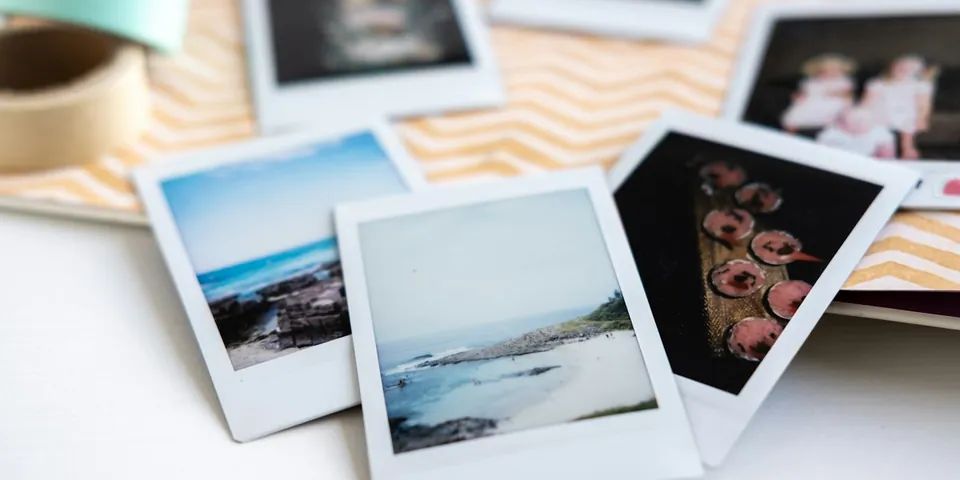
Up to 10 photos print from an instant camera, each with a caption and date.

0 / 10

We read the date and location from your photos to suggest Our date and Places. Photos stay in this browser until you create the gift.

PlacesEmpty — hidden

Photos with a location join the map automatically. Search or tap the map to add your own pins.

Tap the map to drop a pin; drag pins to move them. Map © OpenStreetMap contributors.

    Our dateEmpty — hidden

    One day to remember, shown on a desk calendar.

    Our songEmpty — hidden

    Paste a link (Spotify, YouTube, Apple Music…) or a direct .mp3.

    Chapter 3

    All set for the party

    Check the surprises and leave your contact details to receive the link.

    1 surprise in the party

    • The letter
    • What I love
    • Our story
    • Wishes
    • Moments
    • Places
    • Our date
    • Our song

    Crossed-out surprises are empty and won't appear.

    We send your gift link here.

    Optional, with country code.

    At least 8 characters. Leave blank so anyone with the link can open it.

    Applied at checkout if valid.

    Unlock the gift · one-time payment $5.99

    Until payment, they can open the cover and a short preview of each surprise.

    A scenario: the mom who keeps every card

    Your mom keeps every card in a shoebox. A printed card from Canva would join the collection — and that matters. But you also want her to hear the song she used to play on Sunday mornings and to see the scanned photos from the old album. So you design and print a card, and inside it you put a QR code that opens a birthday website for mom.

    If instead you need a card for a coworker’s birthday or a printed card for a party table, Canva’s templates are the faster and more fitting tool.

    Which one should you pick?

    Choose Birthday Website Maker when…

    • You want to send a long, personal letter with photos and a song.
    • You do not want to spend time on design.
    • The person is far away and the gift needs to arrive instantly.
    • You want a reveal moment rather than a static image.

    Choose Canva when…

    • You want full control over the card’s design.
    • You need a printed card delivered.
    • You want a card for social media, a team, or a party table.
    • You want to use stock graphics or design templates.

    Limitations to keep in mind

    • Birthday Website Maker has no design editor — layouts and fonts are fixed.
    • No print service; you print the QR code yourself.
    • One letter, Up to 10 photos and one song per page.
    • Canva details come from its public birthday card page on October 11, 2026, and may change; we did not test Canva’s paid features.

    Sources (checked October 11, 2026): Canva — Free Birthday Card Maker. Product names belong to their owners. Corrections: support@birthdaywebsite.app.

    Priced like a gift

    Create and preview free. Pay once to unlock the gift you share.

    Preview

    Free to preview

    Create and preview your birthday page for free so you can see what they’ll experience.

    • The letter
    • What I love
    • Our story
    • Wishes
    • Moments
    • Places
    • Our date
    • Our song
    Start a free preview

    Birthday party gift

    $5.99

    One-time payment · no subscription

    The whole party: cake cover with age and countdown, letter, claw machine, storybook, wish jar, instant photos, map, calendar, and your song.

    No subscription. Before payment, your link shows the cover and a short preview of each surprise.

    See how unlocking works

    Frequently asked questions

    Is Birthday Website Maker a Canva birthday card alternative?

    For a different use: Canva designs cards you download, share or print; Birthday Website Maker makes a page they open with a letter, photos and a song. Many people use both — a printed card with our QR code inside.

    Can I add music to a Canva birthday card?

    Canva’s birthday card page (checked October 11, 2026) does not mention music for cards. Birthday Website Maker pages include a song.

    Can I put a QR code from Birthday Website Maker in a Canva card?

    Yes. Save your page, download or screenshot the QR code, and place it in your Canva design before printing.

    Which one is free?

    Canva describes its birthday card maker as free, with some tools marked Pro. Birthday Website Maker is free to create and preview; sharing the full page is a one-time unlock per page.

    Do I need design skills for either?

    Canva’s templates make design approachable, but you still make design choices. Birthday Website Maker has no design step at all.

    Is Birthday Website Maker affiliated with Canva?

    No. This is an independent comparison based on Canva’s public page.

    Write the letter first

    A calm birthday page with your words, photos and song. Free to preview — no account needed.

    A birthday page open on a phone