Type "birthday website" into a search bar and you get two very different kinds of results mixed together. Some are tools for throwing a party: invitations, RSVPs, who is bringing chips. Others are tools for making a gift: a private page with a letter, photos and a song for one person. They share a word and almost nothing else.
If you are not sure which one you need, this post will sort it out in a few minutes. We make one of these (a birthday gift page, not an invitation tool), so we will also be clear about when you should use something else.
The one-question test
Ask yourself: who is this for?
- If it is for the guests, so they know where to be, when, and what to bring, you need a party invitation site.
- If it is for the birthday person, so they know what they mean to you, you need a birthday website, sometimes called a birthday surprise website.
That is genuinely most of the decision. The rest of this post covers the edge cases.
What a party invitation site does
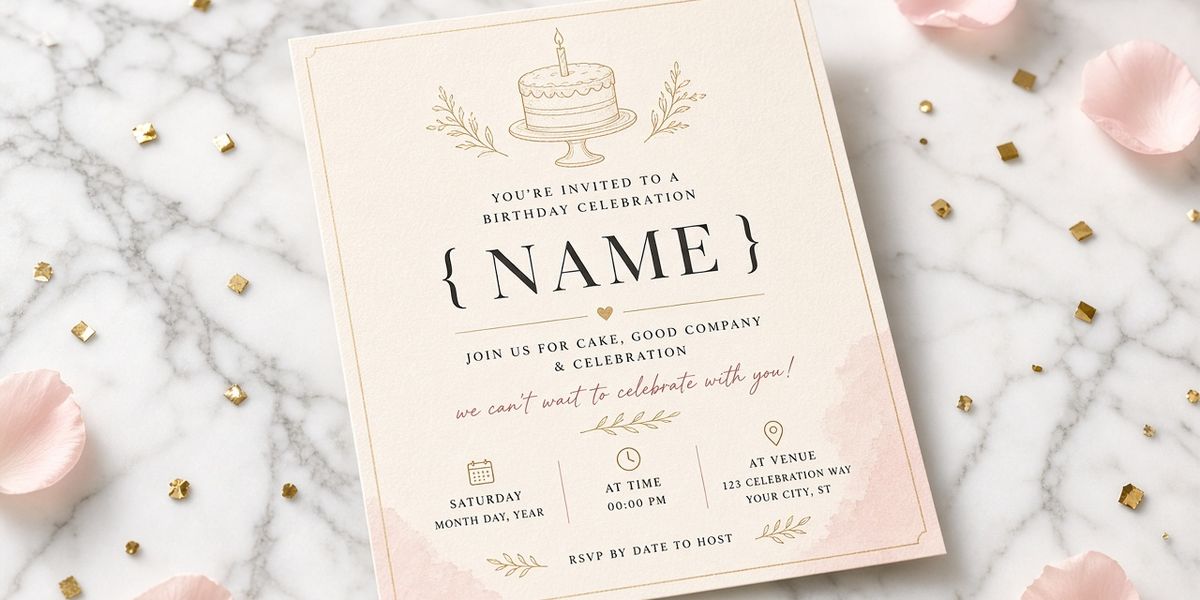
Party invitation tools are built around logistics. Based on what two popular options say on their own sites (checked October 11, 2026):
- Partiful describes itself as 100% free with no paywalls. It lists customizable invites, a guest list where people can comment and react, text blasts to all guests, date polls, questions for guests (diets, playlists, themes), payments and ticket sales, and a shared photo album after the event.
- Evite offers free and Premium invitations with RSVP tracking, automatic reminders, guest messaging, plus-one management, free event pages, signup sheets for who brings what, and digital greeting cards you can schedule or send instantly.
What they are great at: getting a group of people to the same place at the same time, and handling the back-and-forth that comes with it.
What they are not designed for: a long personal letter to one person, or a private page they open alone.
What a birthday website does
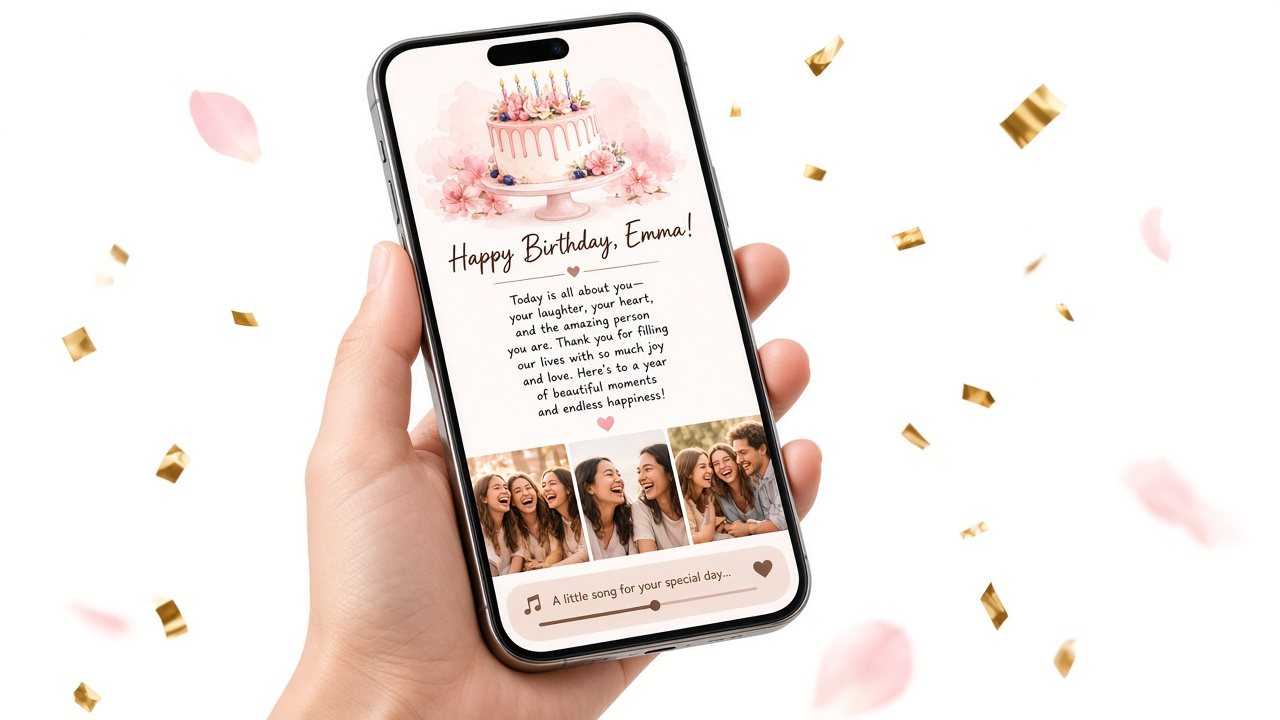
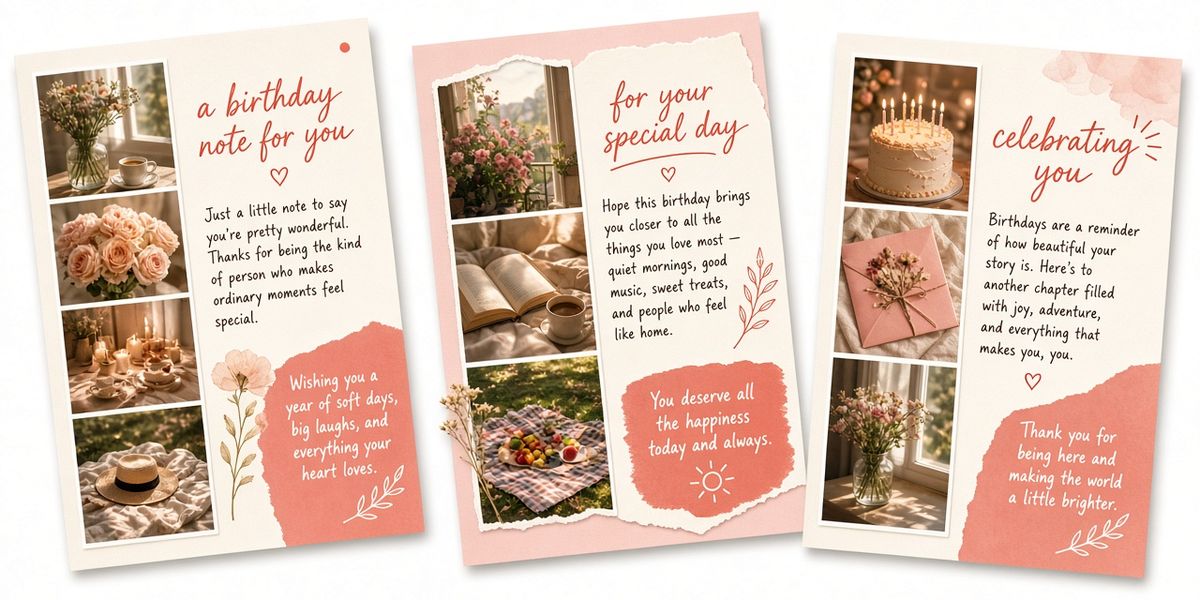
A birthday website is a gift. With Birthday Website Maker, for example, you add:
- The birthday person's name on a cover
- An optional birthday cake opening
- A letter from you, up to 5,000 characters
- Up to 10 photos
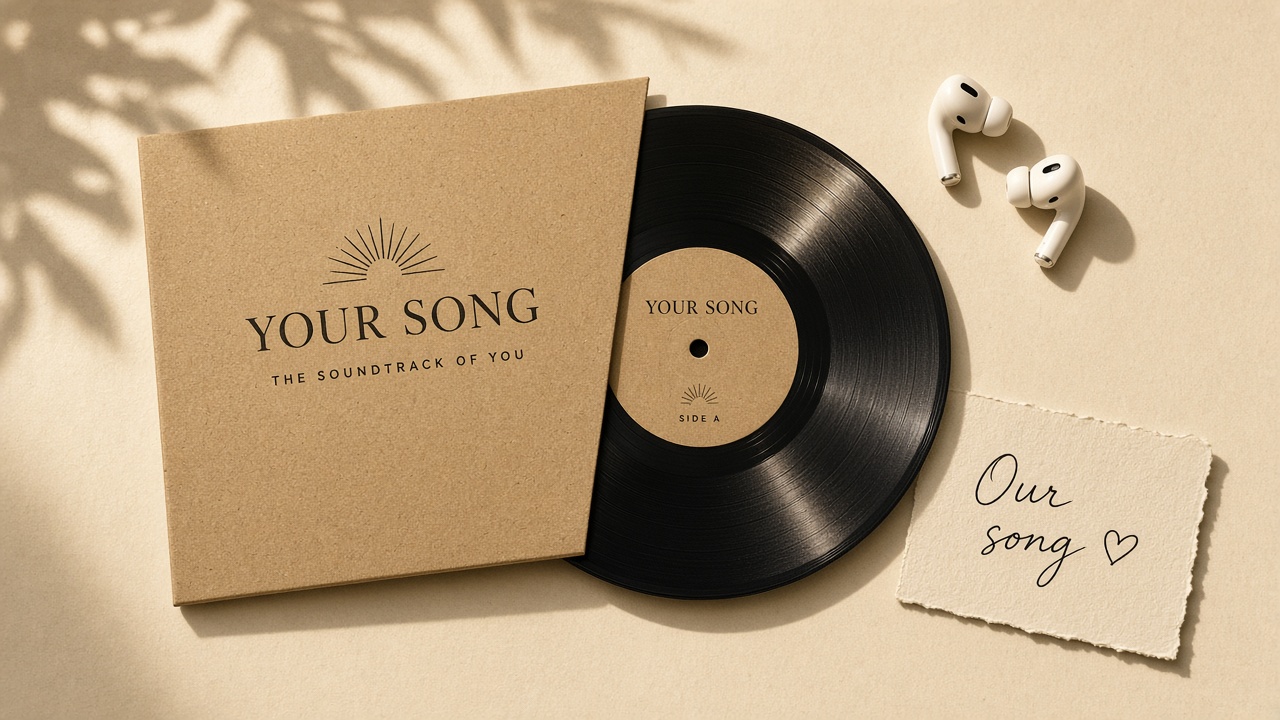
- One song link
You get a link and a QR code to send them. It does not have a guest list, an RSVP button, a date, an address or reminders. It is closer to a card that can hold photos and music than to an event page.
Side-by-side comparison
| Need | Party invitation site | Birthday website |
|---|---|---|
| Tell guests the date and place | Yes | No |
| Collect RSVPs | Yes | No |
| Message all guests at once | Usually | No |
| Write a long personal letter | Not the focus | Yes, the centerpiece |
| Show a handful of meaningful photos | Sometimes a cover image | Yes |
| Play a song that matters to you two | Rarely | Yes, via a link |
| Opened by | Many guests | One person (or anyone you share the link with) |
| Feels like | Logistics | A gift |
When you need a party invitation site
Choose an invitation tool if any of these are true:
- You are hosting a gathering and need a head count.
- You need to share an address, parking notes or a dress code.
- You want to send updates like "Running ten minutes late, door code is 4512."
- You are splitting costs or collecting money for a venue.
- You need to keep the guest of honor off the list for a surprise party.
Pick the one your friends already use. A tool everyone has is worth more than a feature nobody will touch.
When you need a birthday website
Choose a birthday page if:
- You want to tell one person what they mean to you, in more words than a card holds.
- You are far apart and cannot be there on the day.
- You have a handful of photos that tell your story.
- There is a song that belongs to the two of you.
- You want something they can reopen later, not a thread that scrolls away.
Using both for one birthday
The two work well together, especially for surprise parties. Here is a simple plan:
Three weeks out: send the invitations
Use your invitation tool to invite guests, keeping the birthday person off the list. Ask guests a question in the invite if the tool allows it: "Send me your favorite photo with them by the 10th."
One week out: build the birthday page
Collect the best photos guests sent. Choose six. Write your letter. If you want the page to feel like it comes from the group, add a line near the end: "Everyone in this room helped pick these photos." Keep the main letter in your own voice so it does not read like a committee wrote it.
Two days out: preview on a phone
Read the letter on a phone screen. Check the photo order, the song link and whether the cake opening is on. Save and keep the link and QR code somewhere you can find quickly.
The night of: reveal it
A few ways to reveal the page at the party:
- Print the QR code and slip it into a card handed over with the cake.
- Send the link to their phone right after "Surprise!" settles down, with a message like "Open this later, when it's quiet."
- Hand them your phone with the page already open during a calmer moment.
Many people prefer the second option. A personal letter can be a lot to read in front of a crowd, and opening it later lets the evening have two moments instead of one. Our guide on when to send a birthday surprise link goes deeper on timing.
What about a combined "birthday party website"?
Some people want one page that does both: event details plus a tribute. In practice, mixing them weakens both. Guests looking for the address have to scroll past a love letter, and the birthday person sees parking notes next to your most sincere paragraph.
Keep them separate. The invite does logistics; the birthday page does feelings.
Common mix-ups to avoid
- Sending an invitation tool link as the gift. It will feel like an admin task, not a present.
- Expecting RSVPs from a birthday page. There is no reply button. If you need a head count, use an invitation tool.
- Putting a surprise party date on the birthday page. If they open it early, the secret is out.
- Including guests' photos without asking. A birthday page can be opened by anyone with the link, so check before adding group photos.
A simple surprise party checklist
If you are using both tools for a surprise party, here is everything in one list:
- Invitation sent from an invitation tool, with the birthday person left off the guest list
- Guests asked to send one photo and one line by a set date
- Six best photos chosen for the birthday page
- Letter written in your own voice, with a nod to the group if you like
- Page previewed on a phone, saved, link and QR code copied somewhere safe
- Page unlocked so the full letter, photos and song are visible
- Reveal plan decided: card with QR code, a text after the surprise, or later that night
- Backup plan if the venue has weak signal (show it on your own phone)
What to tell guests about the page
Guests will often ask if they can see it. Decide in advance. If the page is a personal letter from you, it is fine to say, "That one's just for them." If it is a group effort, you can send the link to the group after the birthday person has opened it. Remember that anyone with the link can open the page, so share it only with people the birthday person would be happy to have seen it.
If you are not throwing a party at all
Plenty of people search for a birthday party website and realize halfway through that there is no party. Maybe the birthday person hates being the center of attention, or you live far apart, or this year a quiet dinner is enough. In that case, skip the invitation tool entirely. A personal page, a phone call and one small physical gesture (a card, flowers, their favorite dessert) is a complete birthday on its own.
The bottom line
A party invitation site is for guests: dates, addresses, RSVPs and updates. A birthday website is for the birthday person: your words, your photos, your song. If you are throwing a party, use both, each for what it does best.
If the part you are missing is the gift, start a page with our birthday website maker. If you are still deciding what a birthday page even looks like, read what a birthday website is first. Building and previewing is free, so you can see exactly how your letter reads before the big night.
Sources (checked October 11, 2026)
- Partiful homepage: https://partiful.com/
- Evite homepage and FAQ: https://www.evite.com/