You open your camera roll to pick photos for a birthday surprise and find 4,000 pictures of the two of you. Or worse, you find almost none, because you are always the one taking them. Either way, choosing the right handful feels harder than it should.
This guide walks through how to choose photos for a birthday surprise page: how many to use, how to order them, what shapes work on a phone, how to bring old prints in, and what to leave out.
Start with the story, not the photos
Before you scroll, decide what the page is about. One sentence is enough:
- "Our first year together."
- "Twenty years of being best friends."
- "Thank you, Mom, for everything from then to now."
- "Even from 3,000 miles away, we're still us."
That sentence becomes your filter. Every photo should help tell it.
Why six photos is a good number
Birthday Website Maker holds up to 10 photos (HEIC from iPhone works too), but you do not have to use them all. Six is a sweet spot. Six photos:
- Fit comfortably on a phone without endless swiping
- Force you to choose the moments that matter most
- Leave room for the letter to be the centerpiece
- Load quickly, even on a slow connection
If you have fewer than six great photos, use fewer. Four strong photos are better than six with two filler shots.
The six-photo recipe
If you are stuck, this mix works for almost any relationship:
- The beginning. The earliest photo you have together, or of them young.
- The "them" photo. They are happy, relaxed, not posing. A photo they would choose of themselves.
- The adventure. A trip, a concert, a wedding, a move: something you both talk about.
- The ordinary day. A kitchen, a car, a couch, a walk. These often mean the most.
- The laugh. A goofy face, a costume, a disaster. Something that makes them grin.
- The now. A recent photo that brings the story up to today.
How to order your photos
The order turns six photos into a story. Pick one approach and stick with it.
Timeline order
Oldest to newest. This is the easiest story to follow and works especially well for:
- Long relationships and marriages (see our birthday letter for your wife or husband for a year-by-year structure that pairs well with this)
- Parents, where you can go from your childhood to today
- Long friendships
Mood order
Arrange by feeling instead of date: start fun, build to sincere, end with the most meaningful photo. This works for best friends and newer relationships.
Letter order
Match the photos to the order of the memories in your letter. If your letter mentions the rainy first date, then the road trip, then the new apartment, put the photos in that order. It makes the whole page feel connected.
Save the best for last
Whatever order you use, make the last photo the one you most want them to remember. It is the image they will be looking at when the song is playing and the letter is done.
Vertical or horizontal?
Most people open a birthday surprise page on a phone held upright. That means:
- Vertical photos usually fill the frame nicely.
- Horizontal photos still work, but on the page they are trimmed to fit a taller frame, so the edges can get cut. Keep faces near the center of the shot.
- Group photos are the trickiest for this reason. If people on the edges matter, crop the photo yourself first so the birthday person is in the middle.
- Screenshots (memes, chat messages) can be fun but are often hard to read. Use one at most.
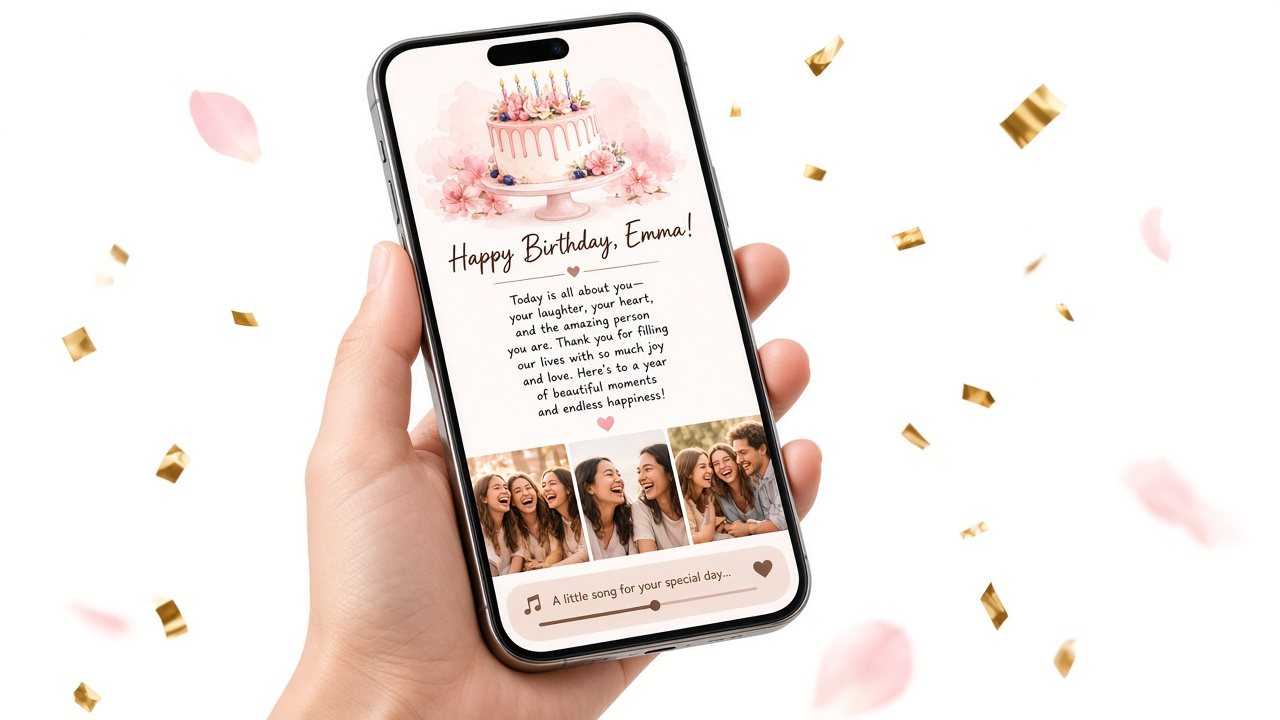
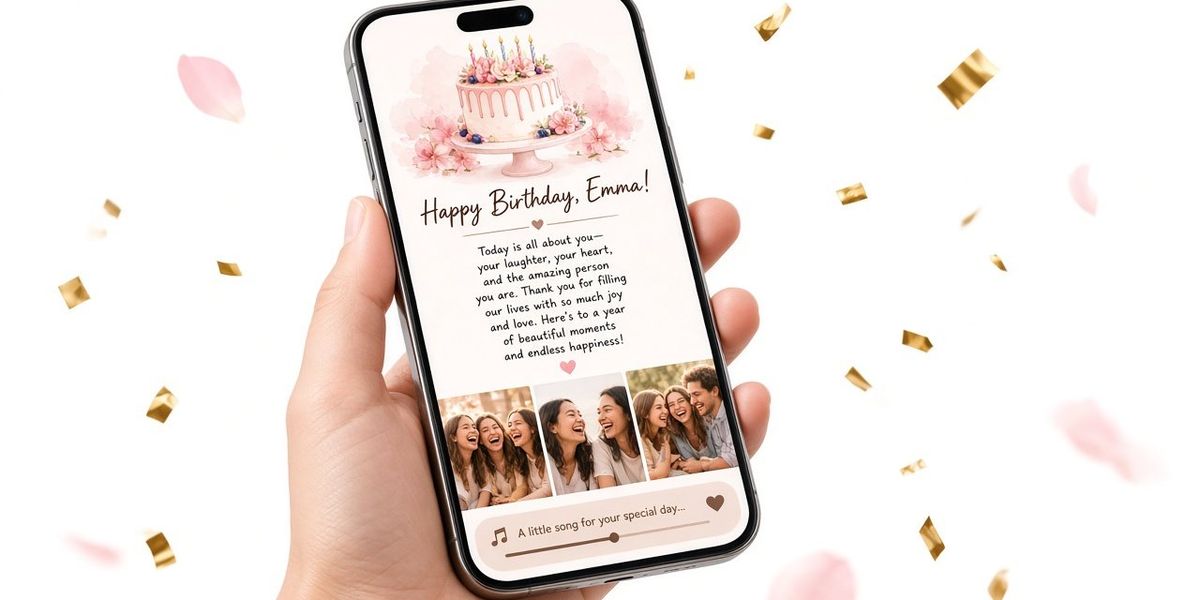
Always check your choices in the live phone preview before saving.
Quality tips that make a big difference
- Faces visible. Sunglasses, hats and backlighting can hide the person you are celebrating.
- In focus, mostly. A blurry photo with huge sentimental value is fine. A blurry photo that is just okay is not.
- Not too dark. Very dark photos can look muddy on a phone screen. Brighten them slightly in your photo app first.
- Crop distractions. Strangers in the background, a messy table edge, a thumb over the lens.
- Upright. Sideways photos happen more often than you would think. Rotate before uploading.
The tool compresses uploaded photos so they load quickly on a phone. You can also paste image links if your photos are already online.
Bringing old printed photos in
For parents, grandparents and long friendships, the best photos are often prints in an album. You do not need a scanner:
- Find soft daylight near a window, out of direct sun.
- Lay the print flat on a dark, plain surface.
- Turn off the flash.
- Hold your phone straight above the photo, parallel to it, to avoid a stretched look.
- Fill the frame, then crop the edges afterward.
- Avoid glare by tilting the light source, not the phone.
If you are making a page for a parent, mixing one or two old prints with recent photos is especially moving. Our guide to a birthday message for mom has more on this.
What to leave out
Choosing what not to include is just as important.
- Photos they dislike of themselves. If they always untag a picture, skip it.
- Photos of other people who would not want to be shared. Anyone with the link can open the page, and links get forwarded. When in doubt, ask, or crop.
- Children who are not yours. Check with parents before including someone else's kids.
- Exes, even in the background.
- Anything you would not want on a fridge. If it is too private for their mom to see, it is too private for a shareable page.
- Six photos of the same event. Variety tells a bigger story.
When you have almost no photos together
It happens, especially if you are always behind the camera. Some fixes:
- Ask friends and family. Someone probably took a photo of you two at a party or wedding.
- Check old chats. Photos you sent each other months ago are often hidden there.
- Use places. A photo of the café where you met, the street where you grew up, the beach from your trip.
- Use objects. The concert ticket stub, the first gift they gave you, a handwritten note.
- Take a new one. If you have a few days, set up a casual photo together. "For no reason" is a perfectly good excuse.
Matching photos to the rest of the page
Photos do not stand alone on a birthday surprise website. They sit beside your letter and your song.
- Reference a photo in the letter. "You'll see the photo from the night the power went out. I still think that was our best date."
- Let the song match the mood. Nostalgic photos plus a nostalgic song, playful photos plus something upbeat.
- Decide on the cake opening. On for a celebration feel; off if the photos and letter are emotional and you want them first.
A quick checklist before you save
- Six photos or fewer, each one earning its place
- A clear order (timeline, mood or letter)
- The best photo last
- Faces visible, photos upright, distractions cropped
- Everyone in the photos would be fine with them being shared
- Checked in the phone preview
For the full building process, from name to letter to song, see how to make a birthday website.
Example photo sets for three relationships
To make this concrete, here are three six-photo sets we sketched as examples.
For a girlfriend, one year in (timeline order): the blurry selfie from the first date; the two of you at a friend's wedding; her laughing on the beach trip; the two of you assembling a terrible flat-pack bookshelf; her asleep on the couch with the cat; a recent photo from her favorite café.
For a best friend of fifteen years (mood order): a school photo with matching haircuts; a ridiculous costume party; the road trip where the car broke down; their graduation; a quiet coffee last spring; the two of you hugging at your wedding.
For a dad (timeline order): a scanned print of him in his twenties; him holding you as a baby; a family camping trip; teaching you to ride a bike; him at the grill last summer; a recent photo of him with the grandkids.
Notice that each set mixes big moments with ordinary ones, and each ends on the photo that means the most.
How long to spend choosing
Give yourself a time limit, or you will scroll for hours. Fifteen minutes to favorite twenty candidates, ten minutes to narrow them to six, and five minutes to put them in order is plenty. If you are stuck between two photos, choose the one that makes you feel something.
The bottom line
Choosing photos for a birthday surprise is about story, not quantity. Start with one sentence about what the page means, pick up to 10 photos that tell it (the beginning, the person, the adventure, the ordinary day, the laugh, the now), and order them so the best one comes last. Leave out anything that is not yours to share.
When you have your six, add them to their page along with your letter and song, and check everything in the free phone preview. It is the quickest way to see whether your story reads the way you hoped.