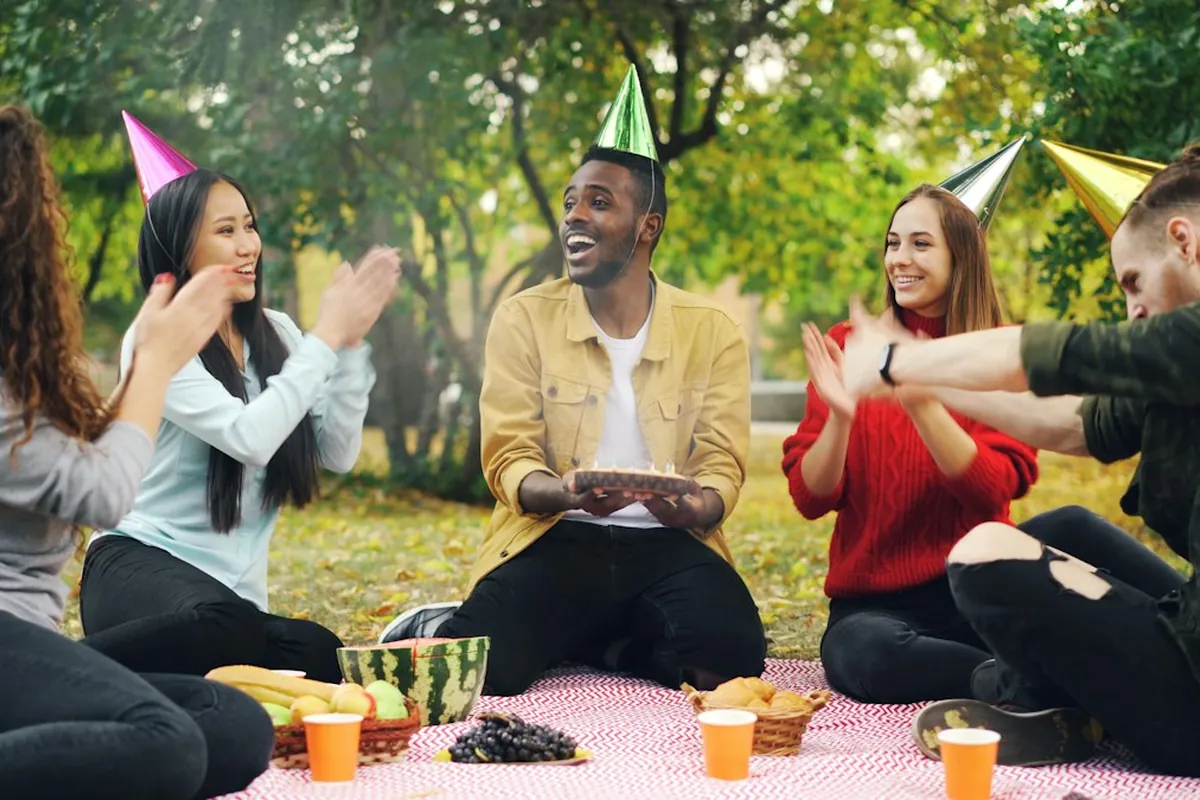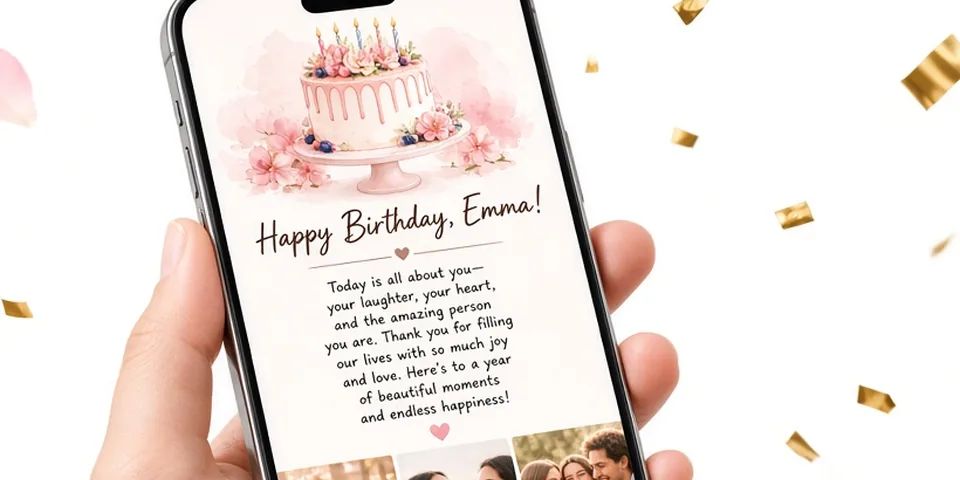
You want to give someone a birthday surprise that feels like you made it, not like you clicked "send" on a stock card. A small website with their name on it, a letter from you, a handful of photos and a song is one of the most personal things you can put on a phone screen. The good news is that you do not need to build anything from scratch. If you can write a text message and pick photos from your camera roll, you can make a birthday website in one evening.
This guide walks through the whole thing in the order that actually works: gather first, write second, assemble last. The tool part is the quickest bit.
What a birthday website actually is
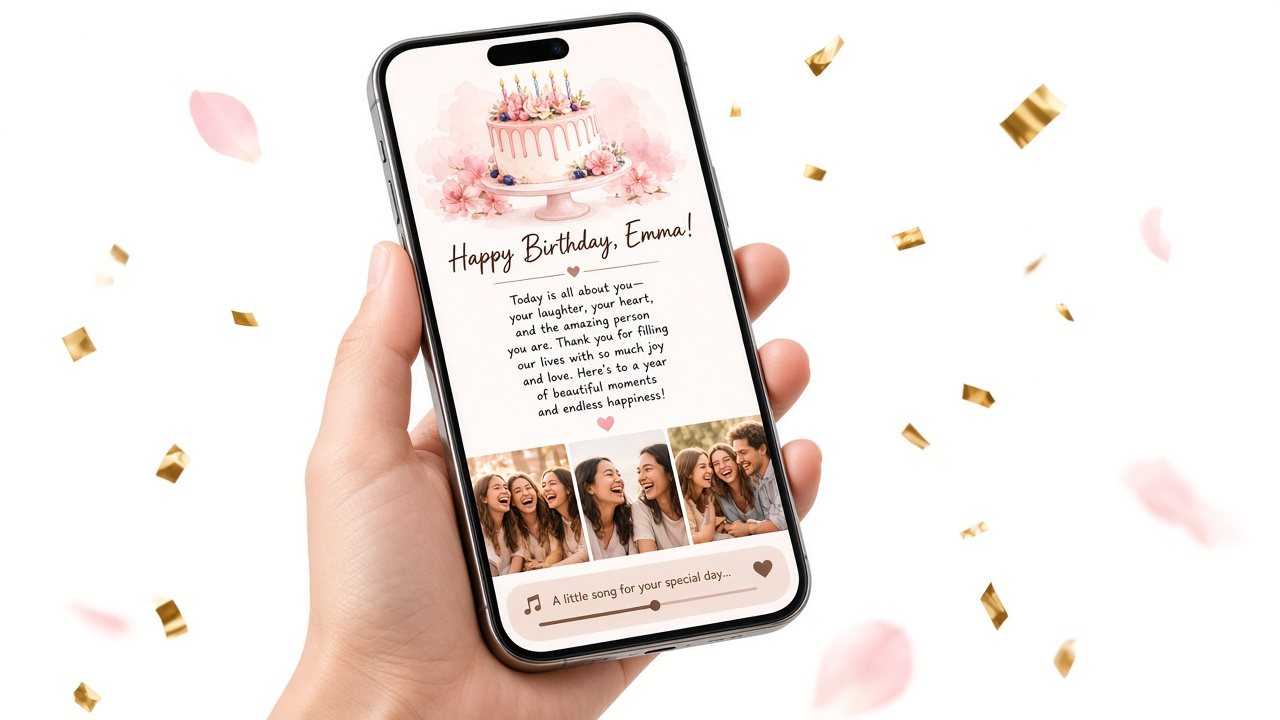
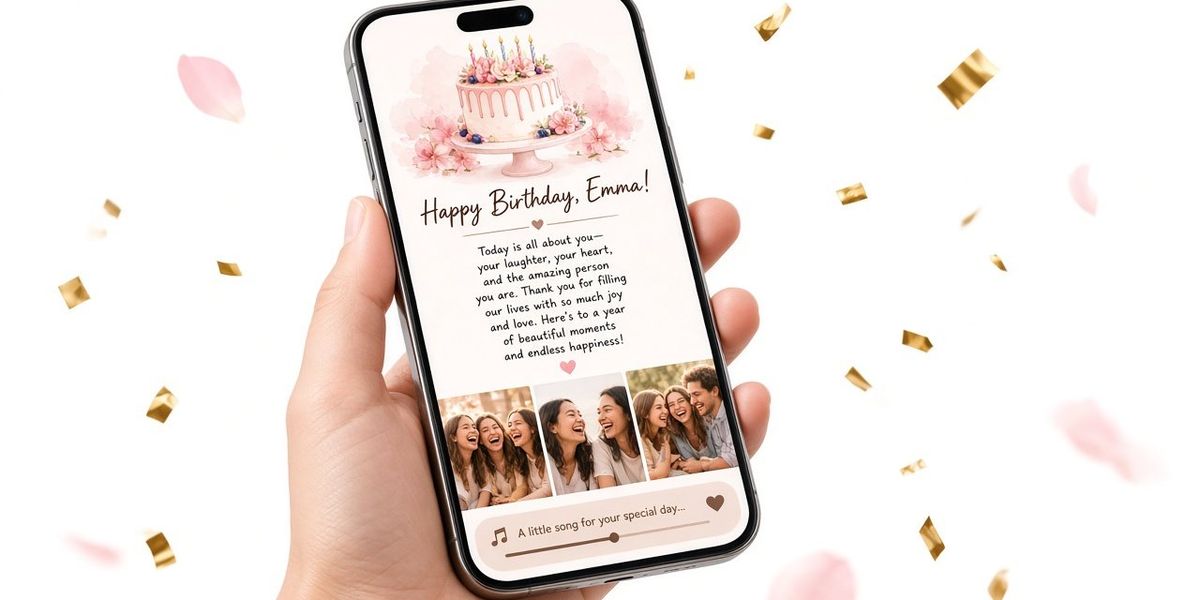
A birthday website is a single private page made for one person. It opens from a link, usually on their phone, and shows things you chose for them: their name, a letter, a few photos, a song, and often a little opening moment before the message appears.
It is not a party invitation and it does not collect RSVPs. It is closer to a long card that can hold pictures and music. If you want a deeper look at how it compares with e-cards and videos, see what a birthday website is and when it beats a card.
Before you start: gather four things
Do this part first, ideally earlier in the day or the day before. When everything is in one folder, assembling the page takes minutes.
1. Their name, the way you say it
Decide how the page will address them. Full name, first name, or the nickname only you use? A nickname often lands better than a formal name, because it immediately tells them who made this.
2. Up to 10 photos, maybe fewer
Birthday Website Maker holds up to 10 photos. That limit is a gift: it still forces you to pick the moments that matter instead of dumping an album. Good picks usually include:
- One photo of the two of you (or your group) that they love
- One photo of them looking happy, not posed
- One from early on, when you first met or when they were younger
- One ordinary, everyday moment: a kitchen, a car ride, a lazy Sunday
- One from a trip or event you both remember
- One that makes them laugh
Put them in a folder on your phone. Vertical photos tend to fill a phone screen better than wide landscape shots. For a full walkthrough on picking and ordering, read how to choose photos for a birthday surprise.
3. One song
Pick one song, not a playlist. The best choice is usually a song with a story attached: the one from your first road trip, the one they sing badly in the shower, the one from your wedding. If nothing has a story, choose something that matches the mood you want: warm, funny, or nostalgic.
You will paste a link to it. A direct audio file link (ending in .mp3 or .m4a) plays right on the page. Any other link, such as a streaming page, shows as a button that opens the song.
4. Ten minutes of memories
Before writing, jot down five or six specific memories in your notes app. Not "you're always there for me" but "the night you drove forty minutes to bring me soup when I had the flu." Specific details are what make the letter feel like yours.
Step-by-step: building the page
Once you have your folder of photos, your song link and your notes, open the birthday website maker on your phone or laptop. Here is the order to fill things in.
Step 1: Add their name
Type the name you decided on. It appears on the cover, which is the first thing they see.
Step 2: Decide on the cake opening
The page can start with a birthday cake opening before the envelope and letter appear. Leave it on if you want a little moment of ceremony, especially for partners, parents and anyone who would enjoy the playful touch. Turn it off if you want them to land straight on your words, for example if the letter is serious or the birthday falls during a hard time.
Step 3: Write the letter
This is the heart of the page. Write it in your notes app first if you prefer, then paste it in. A structure that works for almost anyone:
- Open with a moment. "I keep thinking about that rainy Tuesday when we got lost looking for the taco place and ended up laughing in the car for twenty minutes."
- Say what you love about them, specifically. "You make strangers feel like friends within five minutes. You remember everyone's coffee order. You never let me give up on the hard stuff."
- Name what this year meant. "This year was a lot, and you were the steady part of it."
- Look ahead. "I can't wait for the trip in March, and for all the boring Sundays in between."
- Close simply. "Happy birthday. I'm so glad you were born."
One practical detail: before the page is unlocked, the recipient sees the cover and a short preview of your letter, roughly the first 140 characters. Make your first line one you would be happy for them to read on its own. "Happy birthday to the person who taught me to parallel park and never once yelled" works far better than "So I've been thinking about what to write here."
The letter field holds up to 5,000 characters, which is plenty. Three to six short paragraphs reads well on a phone. If you are writing for a partner, our guides on a birthday letter for your girlfriend and for a boyfriend have full examples.
Step 4: Add your photos
Upload your photos from your device, or paste image links if they live online. The tool compresses uploads so they load quickly on a phone. Put them in an order that tells a small story: early memory first, recent moments in the middle, the funniest or most loving one last.
Step 5: Paste the song link
Paste the link and, if you like, add a short label such as "Our song" or "The road trip song." That label is a tiny detail that makes the page feel handmade.
Check it on a phone before you share
The live phone preview shows exactly what they will see as you type. Do not skip a final review. Use this checklist:
- Name spelled right? Check nicknames and accents.
- First line of the letter strong on its own? Remember it doubles as the preview.
- Typos? Read the letter out loud once. You will catch more mistakes.
- Photos in the right order and facing the right way? Sideways photos happen.
- Song link opens? Tap it. If it is a streaming link, make sure it opens the right track and not a playlist.
- Cake opening on or off, deliberately? Decide on purpose rather than by default.
Then save. Saving gives you a link and a QR code. Copy the link somewhere safe, like a note to yourself.
Unlocking and sharing
Making and previewing the page is free. When you are happy with it, you unlock that single page with a one-time payment so the recipient can see the full letter, all the photos and the song. If you share the link before unlocking, they will only see the cover and the short preview. Details are on the pricing page.
You then choose how to deliver it:
- By text or chat app at a meaningful moment
- By email if that is how you usually talk
- By QR code printed or written into a physical card, or tucked next to a present
There is no automatic scheduled sending, so you choose the moment and send it yourself. That is often better anyway: you can wait until they are awake, until they are sitting with their coffee, or until you are right next to them. Our guide on when to send a birthday surprise link covers midnight versus morning versus in person.
A realistic one-evening timeline
Here is how the evening might go if you start after dinner:
| Time | What you do |
|---|---|
| 7:00 PM | Scroll your camera roll, favorite 15 to 20 photos |
| 7:30 PM | Narrow to six, move them into one folder |
| 7:45 PM | Pick the song and copy the link |
| 8:00 PM | Write your memory notes (five or six specifics) |
| 8:15 PM | Draft the letter in your notes app |
| 9:00 PM | Take a break, then reread the letter and cut anything generic |
| 9:20 PM | Build the page: name, opening, letter, photos, song |
| 9:35 PM | Phone checklist, save, copy your link |
That is under three hours, and most of it is the thoughtful part. If you are short on time, the photo and letter steps can shrink to twenty minutes each. A short, specific letter beats a long, vague one.
Common mistakes to avoid
- Writing to impress instead of to them. You do not need poetry. Write the way you talk.
- Too many inside jokes. One or two make it personal. Ten makes it feel like a puzzle.
- Photos they dislike of themselves. If they always untag a certain photo, leave it out.
- Photos of other people who would not want to be on a shared page. Anyone with the link can open it, so think about who is in the frame.
- Sending a locked link by mistake. If you want them to see everything, unlock before sharing.
- Picking a song only you love. It is their birthday. Choose something they will smile at.
The bottom line
Making a birthday website is mostly about choosing: six photos, one song, and a handful of true sentences. Gather those first, write the letter in your own voice, and the assembly takes about fifteen minutes. Check it on your phone, save it, and send the link at the moment that means the most.
When you are ready, open the editor, add their name, and watch the preview come together. Building and previewing is free, so you can see exactly what they will get before you decide to unlock and share it.