"Free" is the most common word attached to birthday website searches, and also the most slippery. Some tools are free to build but charge to share. Some are free for a day. Some are free if you accept a few photos and their music. None of that is bad, but it is worth knowing before you spend an evening writing a letter.
This guide lays out what free actually means across the main options, explains how our own pricing works, and suggests when paying a small one-time amount is worth it and when it is not.
All competitor details below come from each product's public pages as we read them on October 11, 2026. We did not buy paid plans. Prices change, so double-check before you decide.
The four kinds of "free" you will run into
1. Free to build and preview, pay to share
This is the most common model. You can create the whole page, see exactly how it looks, and only pay when you want the recipient to see it.
- 2luv says you can build the whole gift and watch the live preview for free, then a one-time payment in your local currency unlocks the full experience with the link and QR code. The price did not load on their pages when we checked.
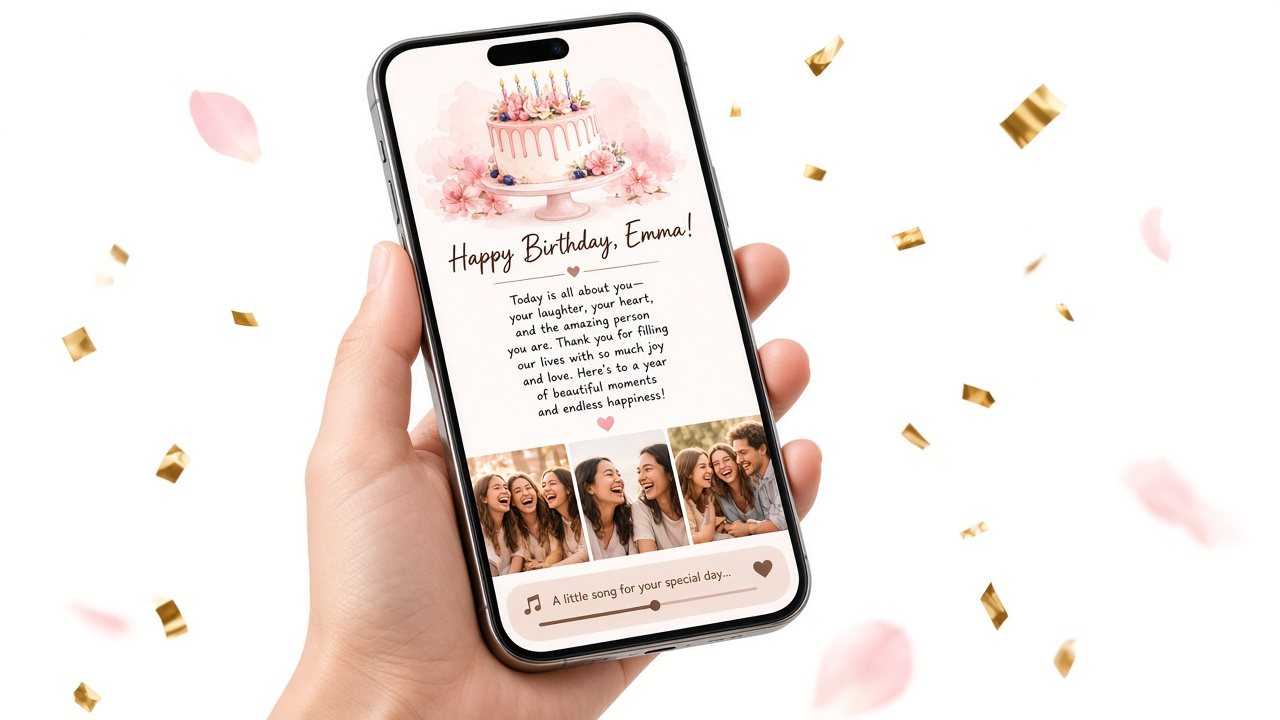
- Birthday Website Maker (our tool) works the same way: building and previewing is free, and a one-time unlock per page lets the recipient see everything.
The upside is no risk: you never pay for something you have not seen. The catch is that "free" ends at the moment of sharing.
2. Free, but time-limited
- WishHappyBday offers a standard page that is free after a free login. It includes a headline, three photos with a message under each, music from its own tracks, and a link guests open without an account. The page stays public for 24 hours after it starts. A Premium upgrade costs 1 USD once and adds an interactive opening and a video download for the creator during that window.
This is genuinely free and works well for the day itself. It is less suited if you want them to reopen your letter next month.
3. Free design tools that make cards, not pages
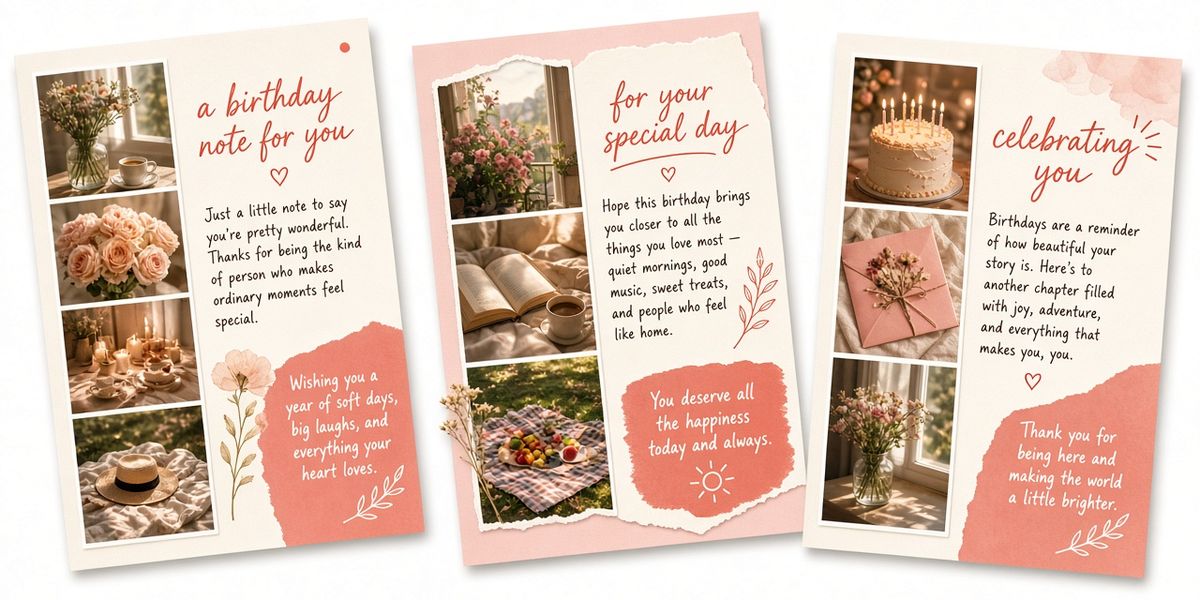
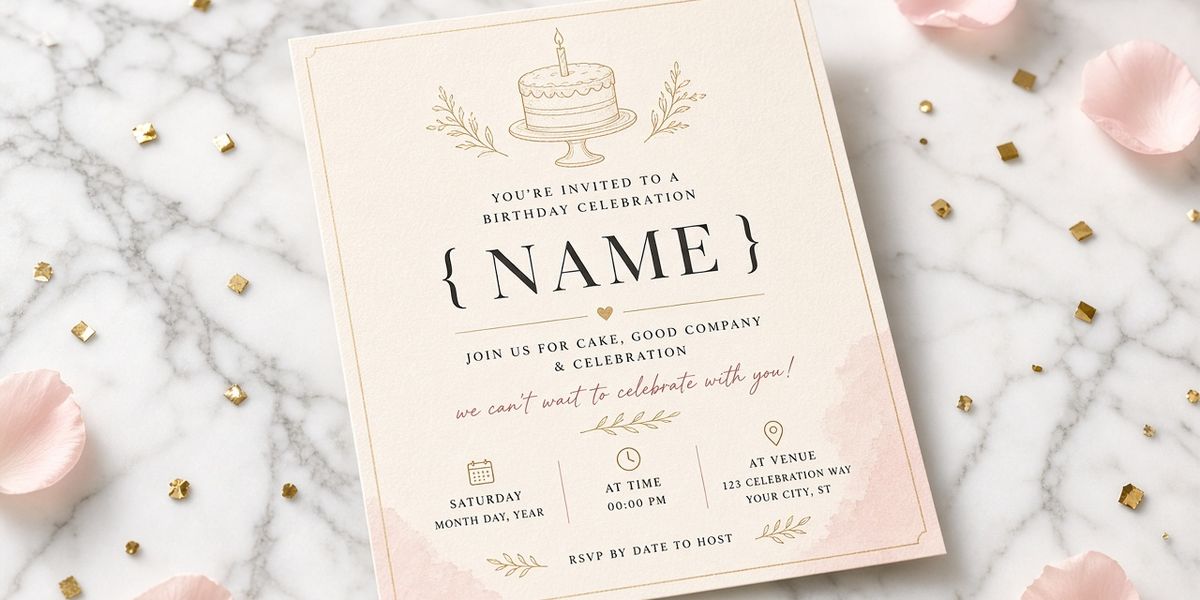
- Canva's birthday card maker is free to use with templates and a drag-and-drop editor. You can download your card as JPEG, PNG or PDF, share it online, or order prints. Some AI features are marked Pro.
You get a beautiful image, not a page with a long letter, several photos and a song. It is a great free choice when design is the point.
4. Paid from the start
- hbday.to lists its Standard plan at 5.99 EUR per site (shown reduced from 9.99 EUR) with templates, multiple pages, a personalized URL, a password, and publication for one year.
Not free, but clear about what you get.
What to check before you call something "free"
When you compare free birthday website options, look at these six things. They matter more than the headline price.
| Check | Why it matters |
|---|---|
| Can the recipient see everything? | Some free tiers share a preview only. |
| How long does it stay up? | 24 hours, a year, or not stated. Matters if they will revisit it. |
| How many photos? | Three photos and six photos tell very different stories. |
| Can you use your own song? | Some tools offer a set list of tracks only. |
| Do you need an account? | Not a problem for most, but worth knowing at 11 PM the night before. |
| Is the letter the centerpiece or a caption? | Short captions under photos are different from a full letter. |
How Birthday Website Maker pricing works
Here is our model in plain terms:
- Free: Open the editor, add their name, write a letter of up to 5,000 characters, add up to 10 photos, paste one song link, choose whether the cake opening plays, and watch the live phone preview. No account needed to try it.
- Save: Saving gives you a link and a QR code.
- Before unlocking: If you share the link, the recipient sees the cover and a short preview, roughly the first 140 characters of your letter.
- Unlock: A one-time payment for that single page opens the full letter, photos and song for whoever has the link. No subscription.
A birthday party gift is a one-time $5.99 (see our Birthday Website Maker pricing page for the latest).
What you get, so you are not surprised: up to 10 photos (HEIC included), eight optional surprises, an age-and-countdown cake cover, an optional password, and built-in letter templates you can edit. There is no scheduled sending and no AI writing — the templates are fixed starting points, and you still choose the words.
When paying for one page is worth it
A small one-time payment makes sense when:
- They will want to reread it. Partners and parents often come back to a letter. A page that disappears after a day loses that.
- Your story needs more than three photos. Up to 10 photos let you cover a year, or a decade.
- The song matters. If "your song" is the point, use a tool that lets you link your own.
- The letter is long. A full letter reads differently from short captions.
- You want a QR code for a paper card. Handy when the page travels with a physical gift.
When a free option is the better call
Be honest with yourself. Free is the right choice when:
- It is a lighter occasion. A coworker, a neighbor, a friend you are reconnecting with.
- A group is celebrating together. WishHappyBday's guest wishes are built for that.
- You mainly want a design. A free Canva card might be exactly right.
- Money is tight this month. A heartfelt message costs nothing and still counts.
A completely free do-it-yourself version
If you want zero cost and no new tools, you can assemble something meaningful with what you already have:
- Write the letter in a long text or email. Open with a specific memory: "Remember the night the power went out and we played cards by candlelight until two?"
- Make a shared photo album in the photo app you both use, with six favorites in order.
- Send one song link with a line: "Play this while you scroll."
- Send them in order, a minute apart, so it unfolds.
It is less polished and the pieces live in three places, but the words and photos are what make it land. A birthday page simply puts them in one link.
Common traps with "free" birthday websites
- Writing everything, then discovering sharing costs money. Check the model before you start writing.
- Missing the time limit. If a page expires after 24 hours, do not send it the night before when they might not open it until later.
- Sharing a preview link by accident. With pay-to-unlock tools, make sure you unlock before you send if you want them to see everything.
- Relying on music you did not pick. If built-in tracks do not fit the mood, it can feel generic.
Questions to ask before paying for any birthday page
Whichever tool you choose, free or paid, these questions will save you a surprise later:
- What exactly does the recipient see before and after I pay? Look for a clear explanation, ideally a preview you can check yourself.
- Is the payment one-time or recurring? A birthday page should not quietly become a subscription.
- How long will the page stay up? Some tools state a period clearly; others do not. If it matters to you, look for it in their FAQ or terms.
- Can I use my own song and my own photos? Built-in tracks and template images are fine, but they make a page feel less like yours.
- How long can the letter be? If you want to write several paragraphs, make sure it is not just a caption field.
- Who can open the page? Some tools offer passwords; many, including ours, rely on a private link. Choose what fits your comfort level.
If a tool answers all six clearly on its public pages, that is usually a good sign.
A note on "free trial" wording
Some tools describe themselves as free when they mean free to try. That is not misleading in itself, but read the small print near the share button. The fair version is simple: you see exactly what the recipient will see before you pay, and you know the price before you commit.
The bottom line
Free birthday websites come in four flavors: free to preview, free for a day, free designed cards, and paid from the start. None is a trick if you know which one you are using. If you want a page they can reread, with your own long letter, six photos and your song, a one-time unlock is usually worth it. If it is a lighter occasion or a group celebration, a free option might be all you need.
For a fuller side-by-side, see our best birthday website maker comparison. Or try the birthday website maker right now: build and preview your page for free, read it on your phone, and decide afterward whether to unlock and share.
Sources (checked October 11, 2026)
- 2luv birthday page: https://www.2-luv.com/en/event/birthday
- WishHappyBday homepage and pricing: https://www.wishhappybdayto.me/pricing
- hbday.to pricing: https://hbday.to/
- Canva birthday card maker: https://www.canva.com/create/birthday-cards/